Connecting Ethernet and disabling Wi-Fi are separate changes on Sonos. Confirm the wired setup works before changing the radio setting.
Set up the test
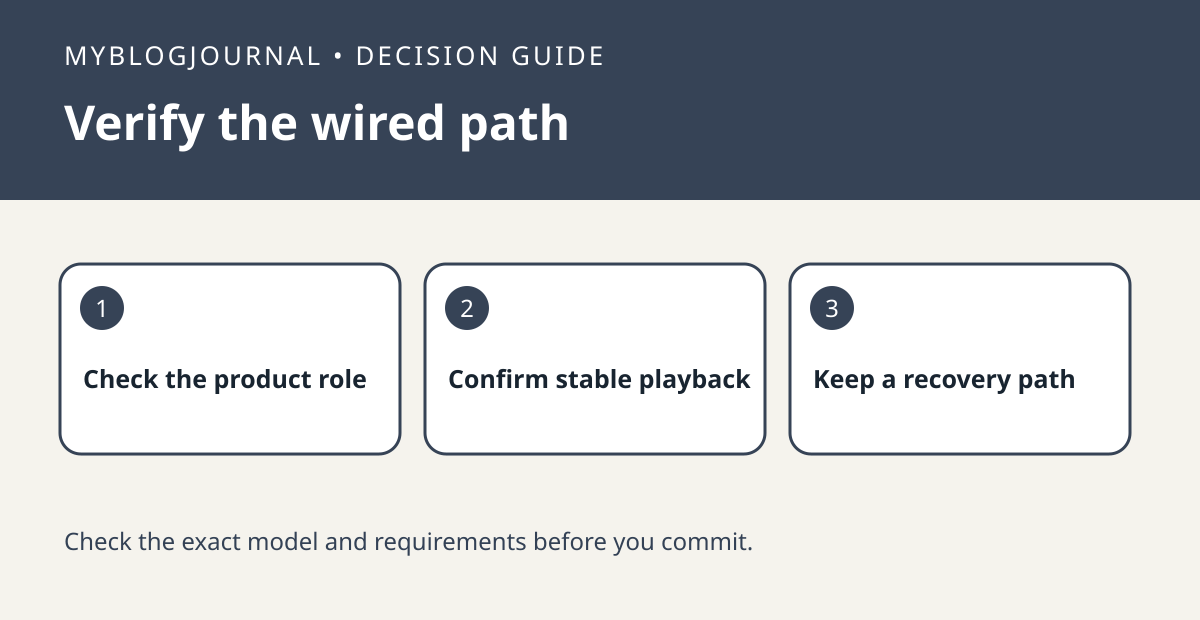
Check the exact speaker and whether it belongs to a home theater room, stereo pair or standalone room. Review the model-specific restrictions in Sonos’s instructions. Leave existing settings alone while checking ordinary playback after Ethernet is connected.
Interpret the result
If there is a reason to disable Wi-Fi and the option is supported, change one device only and check the affected room and any bonded speakers. Keep Ethernet connected and know how to restore the original setting. Do not assume every speaker or room configuration should be treated the same.
Worked example
A stable wired room does not prove that disabling its radio will improve anything. If your goal was simply to fix occasional dropouts, compare normal playback before making the second change.
Documentation and next step
See the manufacturer’s instructions for supported settings. For a related decision, see sonos era 100 ethernet adapter one room test.