Start with a clip that cuts off at the end
A recording that catches someone entering but misses what happens immediately after they stop moving calls for a different test from a clip that starts late. Reolink documents a post-motion setting that can extend supported recordings after motion. Confirm which device holds the clip first: a camera’s card and an NVR’s drive are different playback destinations, and you want to inspect the one you actually use.
Make the last useful moment measurable
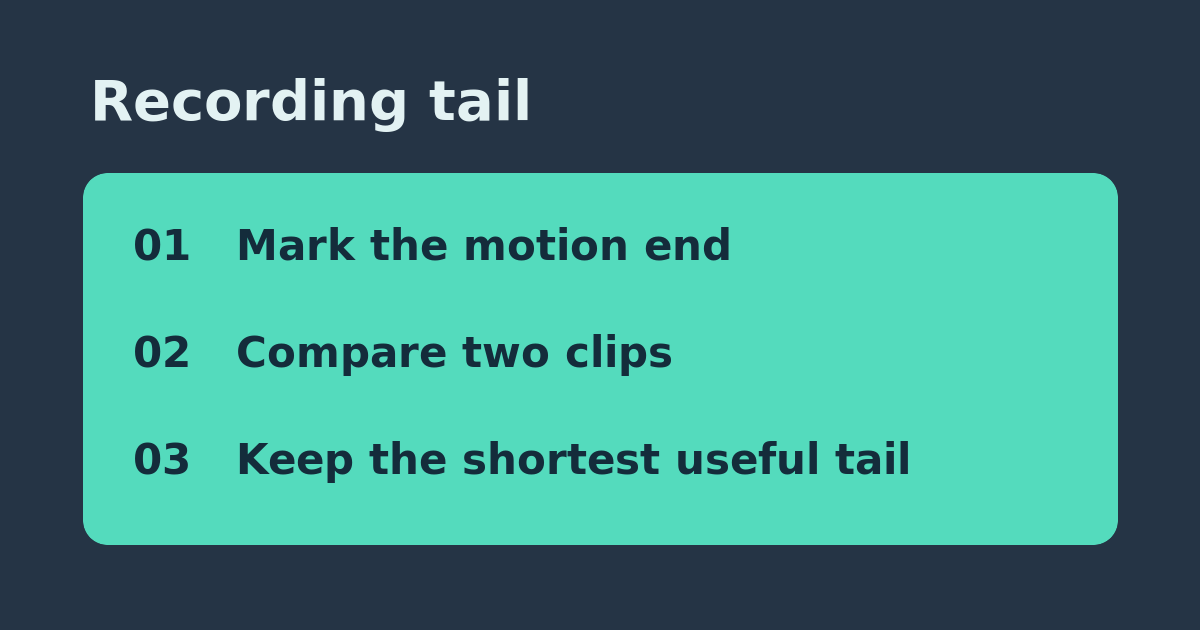
With permission, mark two spots on your own property. Walk between them, then stand still at the second mark. Note the time you stopped and the last playable frame. Let the event finish before repeating. Use the same route, speed, channel, recording destination, and light conditions. Keep the notification settings unchanged: the phone alert time is not the clip end time. Do not use an actual delivery or depend on this test for safety.
Change only the supported tail setting
Write down the original setting. In the interface for the device and storage path you tested, check Reolink’s instructions for the available post-motion controls. Choose the next available longer duration and repeat the walk twice. Compare the last frame with your stopped timestamp. If two attempts both gain useful footage, keep the shortest setting that captures the scene you need. If the video restarts in a second clip, record that separately rather than counting it as one longer tail.
Know when storage is the wrong purchase
If there is no initial event, a longer tail has nothing to extend; check detection and recording schedule first. If the setting is absent, check the exact model and recorder interface before buying anything. If only the first moments are missing, investigate pre-motion rather than lengthening the tail. A longer tail can increase recorded minutes, so check actual retention over a representative day before assuming you need a bigger drive.
References: Manufacturer or project documentation. Related: Check a clip that starts too late.