An alert does not prove a local file exists
For supported solar and battery cameras covered by TP-Link’s guide, detection and notifications may still occur outside scheduled local recording hours. If you use cloud storage, a cloud event can also be present when there is no local copy. Start by selecting local playback in the app and checking the camera’s storage destination; otherwise a cloud clip can make a local recording test look like it passed.
Compare two otherwise identical events
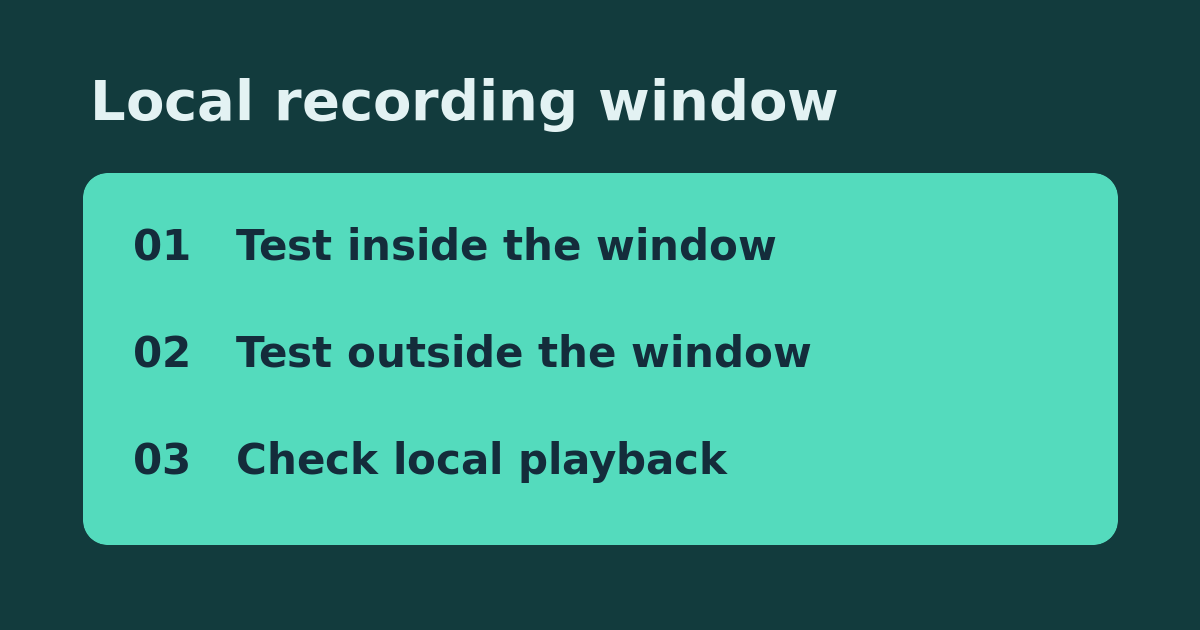
On a supported camera where you can safely test, note the current recording schedule and camera time zone. Pick a short window today when detection recording is active and a nearby window when it is not. Walk the same route at similar speed once in each window, allowing time between events. For each walk, log the camera name, local time, notification yes or no, and local clip yes or no. Leave sensitivity and notification settings alone. Restore any temporarily changed schedule.
Interpret the two results
If both walks alert but only the scheduled walk produces a local clip, the schedule is the likely explanation: extend only the coverage hours you need. If neither walk saves a local clip, confirm the selected camera reports usable storage and check the configured recording mode before buying another card. If neither walk alerts, check detection first; this comparison cannot isolate the schedule when no motion event is detected.
Confirm the change before spending
After restoring or correcting the schedule, repeat one test in the time block you actually care about, such as just after a normal shift starts. Verify the local copy by opening it, not merely reading an event thumbnail. Do not format existing storage as part of this test. If the model has different settings, use its specific guide before assuming a feature or buying a replacement.
References: Manufacturer or project documentation. Related: Check the reverse case: a saved clip without a phone alert.