Decide which control you are testing
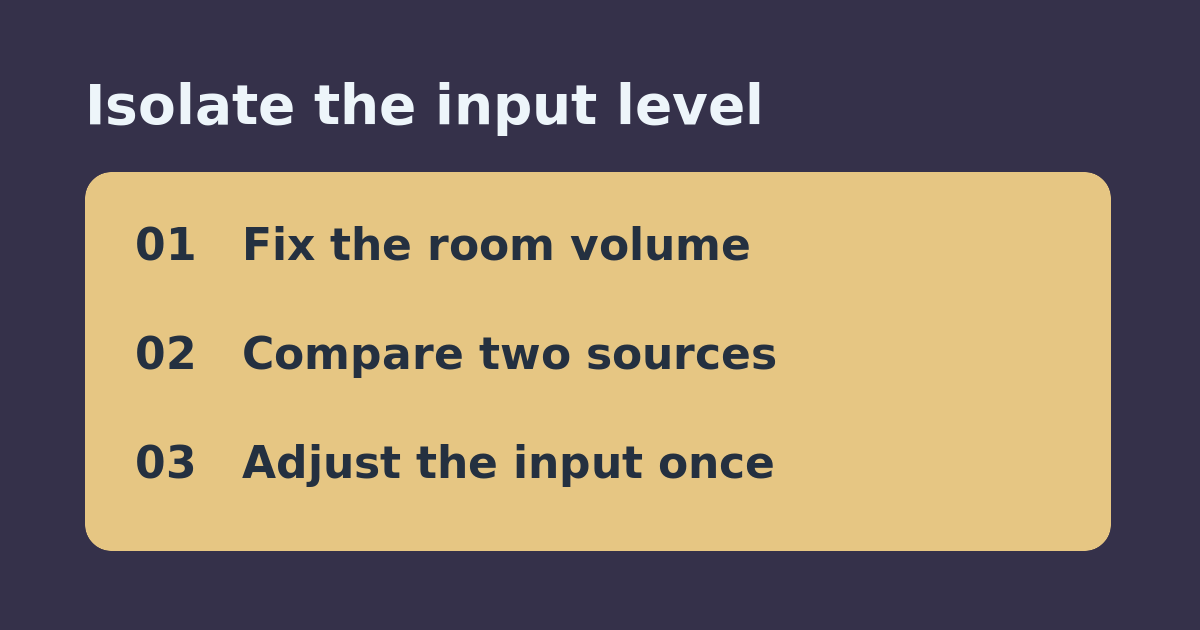
The Sonos room volume changes how loud everything plays in that room. Line-In Source Level changes how much gain Sonos applies to the connected analog source. If streaming sounds normal but one connected player is too quiet, raising the room slider every time can make streaming unexpectedly loud when you switch back. First verify that your Sonos model and any required adapter support Line-In; this comparison assumes you can already hear the source.
Compare at the same listening position
Ungroup the room for this check and start at a comfortable low listening level. Pick a familiar spoken passage or track available on both sources if possible. Set the external source to its normal output and note the room volume. Listen to the Line-In passage, then the streaming passage, without moving or changing the room slider. Record whether Line-In is quiet but clean, distorted on peaks, or cutting out. Different recordings can have different mastering levels, so use this as a practical comparison, not a measurement of output voltage.
Change one input setting and replay
Write down the original Source Level. Sonos documents lower gain for stronger sources and higher gain for weaker ones. If the analog input is quiet but clean, try one higher setting, replay the same passage, and listen for harsh peaks. If it already sounds harsh, compare a lower setting instead. Return to the original setting if the result is worse. Do not compensate by boosting both the player and Sonos at the same time; you will not know which change helped.
Buy only if you identify a missing stage
If a small adjustment makes the input comfortably audible and clean, keep the current hardware. If both sources are too quiet, check the room’s playback level before buying a preamp. If the source is a turntable, verify whether its output is phono or line level; the volume test is not a substitute for the appropriate phono stage. If the issue is gaps rather than low volume, troubleshoot the connection or grouped playback instead of adding gain.
See the official setup instructions and our related guide on choosing the Sonos Line-In autoplay room.