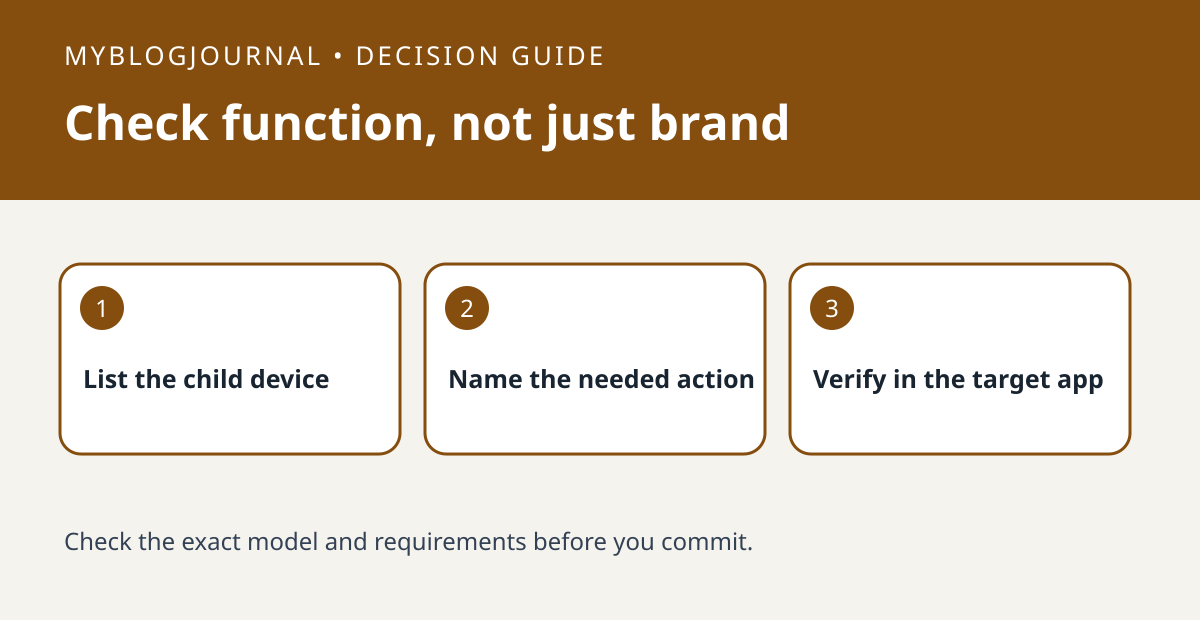
Before buying a SwitchBot hub for Matter, verify the exact child device and the function you need in the destination platform. A device appearing there is not proof that every native control is exposed.
Set up the test
Create a three-column note: child device model, destination platform and required action. Check SwitchBot’s compatibility list for that combination and the relevant hub. If you can already test with a supported hub, confirm the device appears in the target app before trying the action.
Interpret the result
Compare the result in the SwitchBot app and in the destination platform. If the native app offers a control that the destination does not expose, do not assume more hubs will add it. Decide whether using the native app for that function is acceptable before spending.
Worked example
For example, showing a sensor reading and using that reading as an automation trigger are separate requirements. Test the one you need, not just whether the device tile appears.
Documentation and next step
See the manufacturer’s instructions for supported settings. For a related decision, see switchbot hub mini ir learn one missing button.