Pick the outcome before changing groups
If you usually listen in the kitchen but occasionally want the same stream in the dining room, you may not need another speaker or a permanent group. Google documents adding or removing compatible playback devices without creating a preset group. A saved group makes more sense when the same rooms should be a selectable destination again and again. This is a playback membership decision, not a stereo pairing or synchronization fix.
Run a temporary two-room test
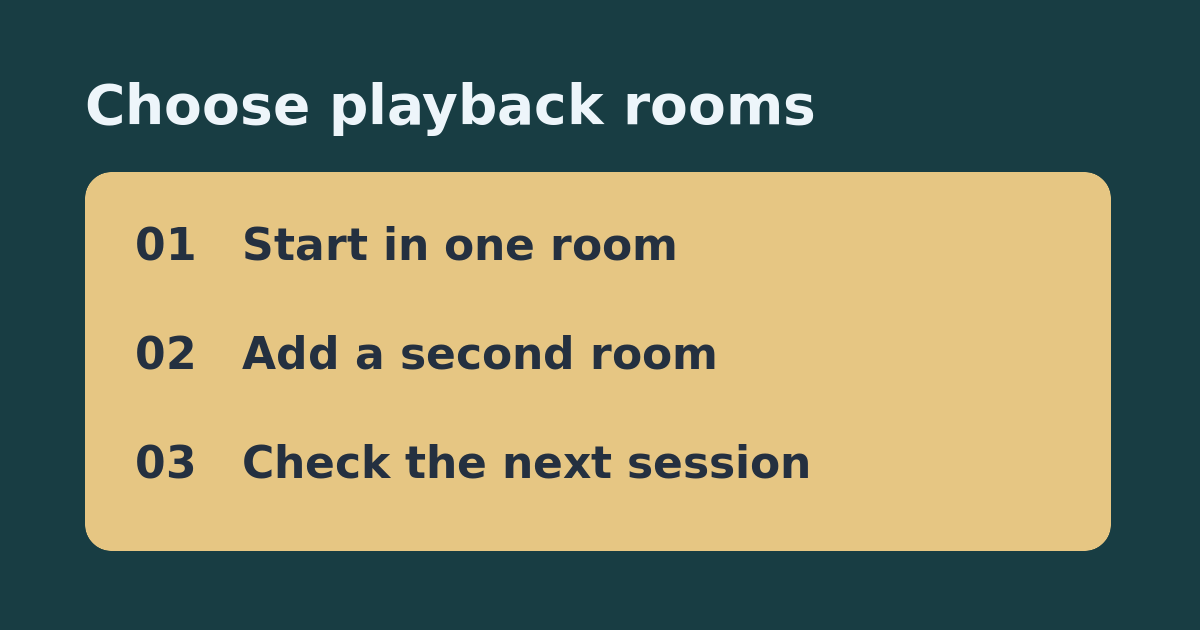
Start a supported stream on the kitchen speaker and open the playing session in Google Home. Use the playback device controls to add the compatible dining-room speaker, then confirm the same content is audible in both places. Remove the dining speaker in the playback controls and confirm that the kitchen still plays. Keep the volume modest, especially if the second room has not been used recently. Note which device names appear and whether adding the room is easy enough to repeat.
Start a new session and compare
Stop the test and start a fresh stream by explicitly selecting the kitchen speaker. Check whether the result suits the usual one-room routine. For a regular two-room routine, create a uniquely named saved group only after confirming both devices are supported, then start a separate stream by selecting that group. Compare the time it takes to reach the intended rooms and whether the group name is easy to distinguish from an existing speaker. Keep the one-off method if the extra room is rarely needed.
Do not shop until the failure is specific
If the second speaker works as a solo destination but does not appear in the playback device picker, check Google’s current compatible-device list, app and home selection, and the setup requirements for your specific hardware. Test again before buying another speaker. If both play but sound out of step, membership is already working; address timing separately. A temporary add is a convenient listening feature, not a substitute for a reliable alert system.
See the official setup instructions and our related guide on correcting speaker group playback delay.