If TV audio plays through Sonos over optical but the remote cannot change volume, check whether the remote sends an infrared volume command before buying a replacement.
Set up the test
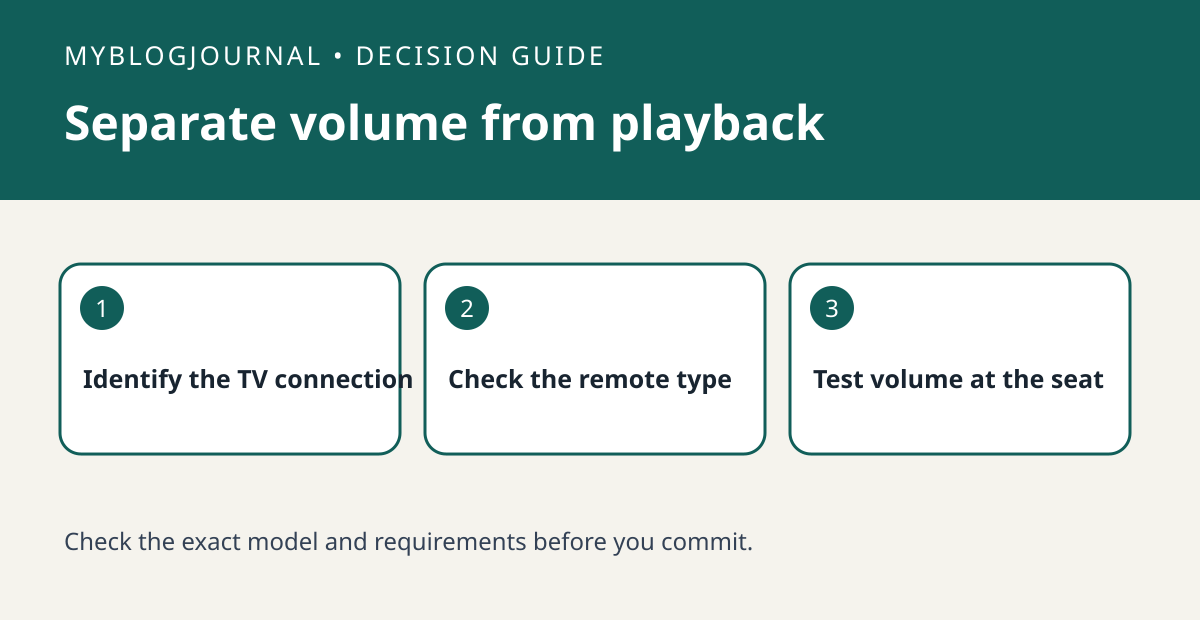
Confirm the soundbar model and the actual connection to the TV. Read Sonos’s requirements for that connection. Optical audio carrying sound does not establish that the soundbar receives volume commands. Verify whether the exact remote can send infrared for volume.
Interpret the result
Use the supported remote setup path and test volume from your normal seat with a clear path to the soundbar. Start quietly. If app volume works but the remote does not, separate remote compatibility from the audio path. Do not reset the soundbar for this test.
Worked example
If a TV remote still controls the TV menus without pointing at the screen, that alone does not prove it can control an optical Sonos setup. Verify the volume command before purchasing a universal remote.
Documentation and next step
See the manufacturer’s instructions for supported settings. For a related decision, see sonos beam tv optical vs hdmi arc buying.