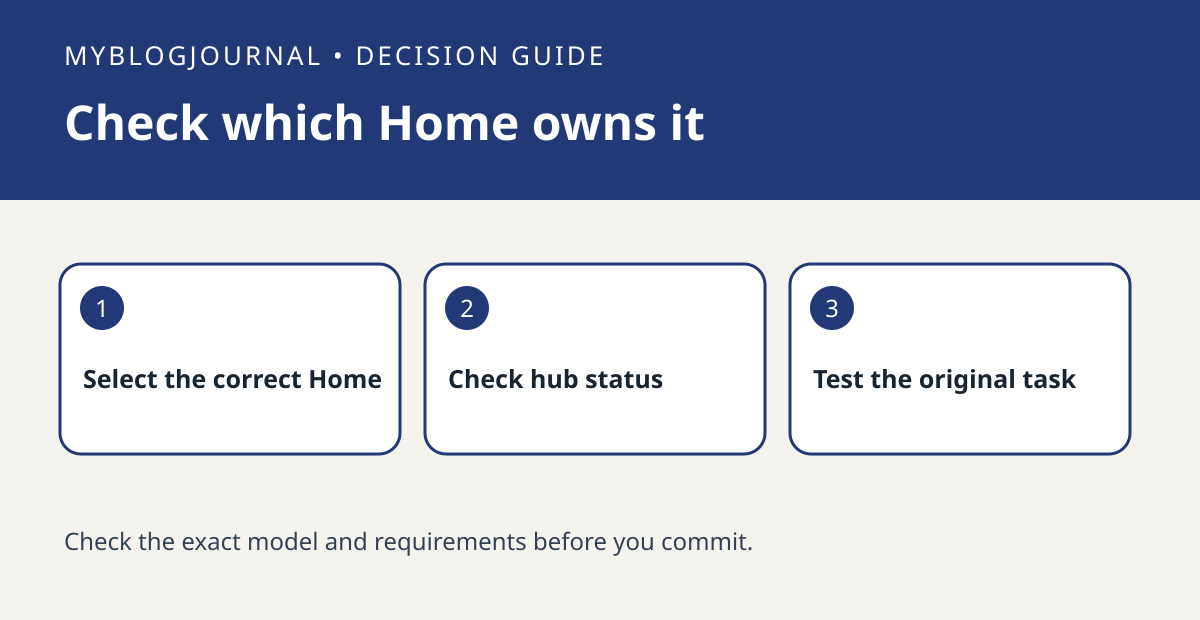
If Apple Home says a hub is required, check whether an eligible HomePod or Apple TV already serves the correct Home before ordering another device.
Set up the test
In the Home app, choose the Home where the accessory or invitation belongs. Review Home Hubs and Bridges, then check whether the device you expect is listed. A hub listed in a different Home is not evidence that this one has a working hub.
Interpret the result
Use Apple’s setup instructions for your exact device and check the account and Home assignment. Retry only the original task after confirming status. If remote access works but a particular accessory setup fails, investigate that accessory’s separate requirements instead of treating every error as missing hardware.
Worked example
If a second property is listed alongside your apartment, a hub under the second property will not explain what is available in the apartment. Verify the name first; it is a zero-cost check.
Documentation and next step
See the manufacturer’s instructions for supported settings. For a related decision, see apple home preferred hub remote control test.