
Before buying another Apple Home hub to fix unreliable remote access, identify which compatible hub is active. Apple documents a preferred-hub selection option that can be used instead of automatic selection. That changes which hub you prefer, not which products are supported or whether a Thread accessory has a suitable network path.
Make a baseline you can reproduce
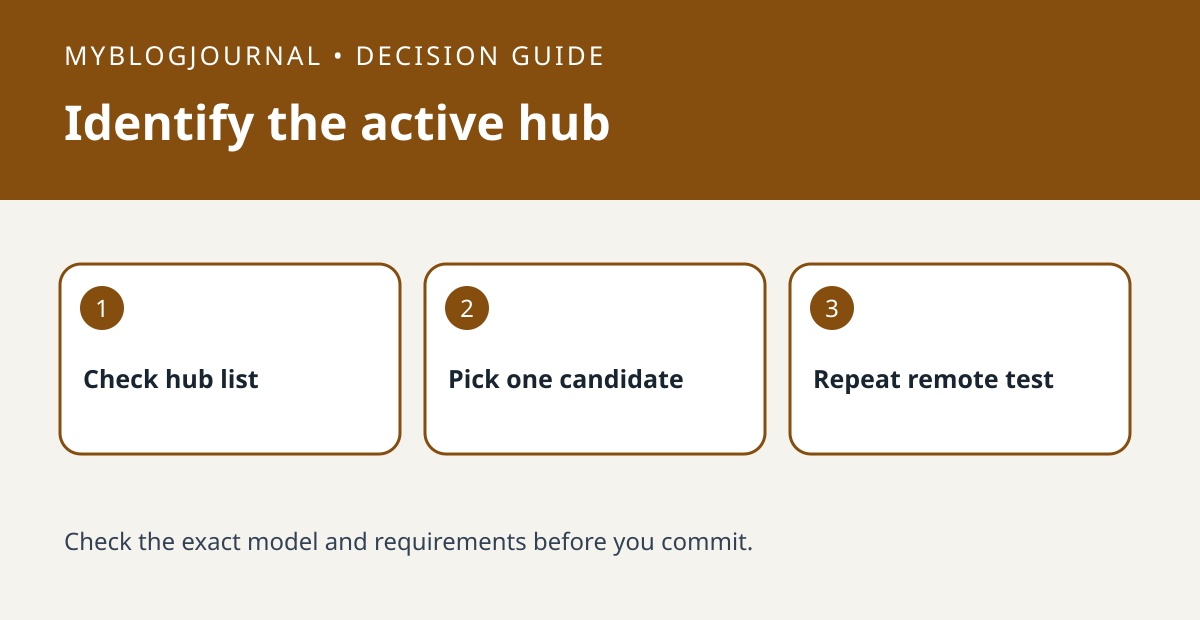
Choose one harmless accessory, such as a lamp. Note whether it responds on home Wi-Fi and whether it responds from a phone using cellular data. Then check which hub is active and which candidates are connected in Home settings. If the lamp already fails locally, work on that problem before interpreting a remote-access test.
Change one choice and repeat the same test
If the setting is available, compare the current hub with one known connected candidate using Apple’s instructions. Record the original selection so you can restore it. Test the same lamp again without changing network equipment at the same time. If remote access improves but a Thread sensor still drops, check that sensor’s path independently instead of treating the preferred hub setting as proof that every device is fixed.
Source: manufacturer’s current documentation. Related: check which devices can serve as a home hub.


