
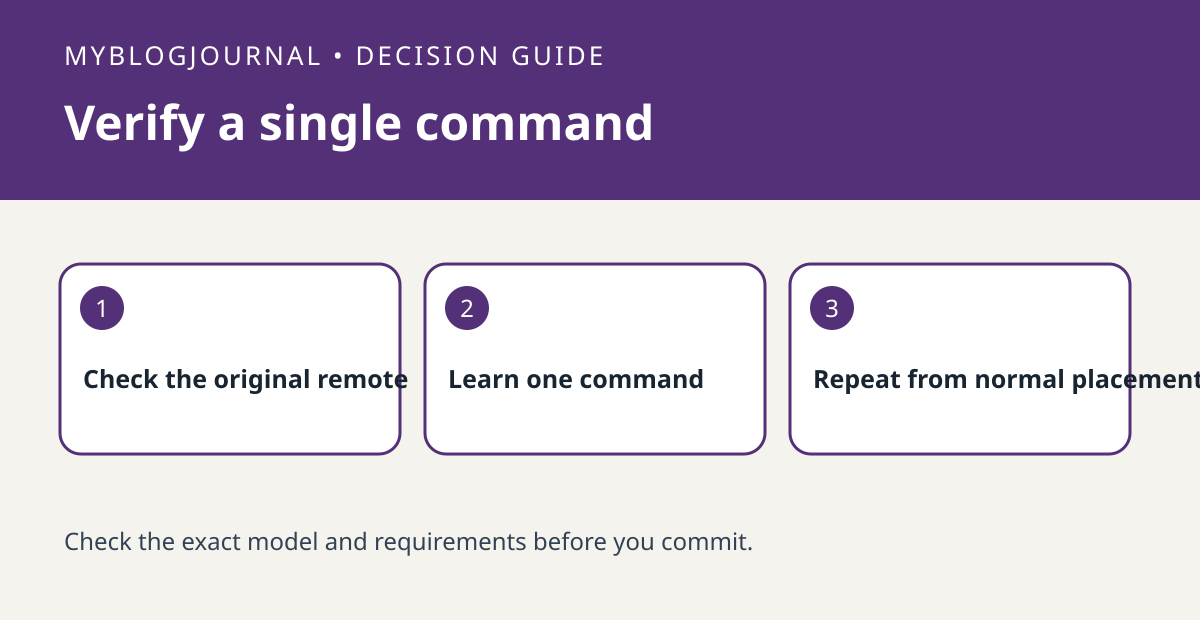
When a SwitchBot Hub Mini controls most functions but misses one, test the original remote and the supported learning workflow before replacing hardware.
Set up the test
Choose a harmless command, such as changing a television input. Verify the original remote still performs it. Check the model’s learning instructions and test the missing command rather than rebuilding a profile whose other buttons work.
Interpret the result
Try the learned command from the hub’s intended location with the appliance in the same starting state. If it works nearby but not on the shelf, placement is a better next check than trying unrelated profiles. Record the working profile before further edits.
Worked example
If volume works but input select never does, verify input select by itself. A working power button is not proof the profile supports every function.
Documentation and next step
See the manufacturer’s instructions for supported settings. For a related decision, see switchbot hub 2 local ir offline range test.


