
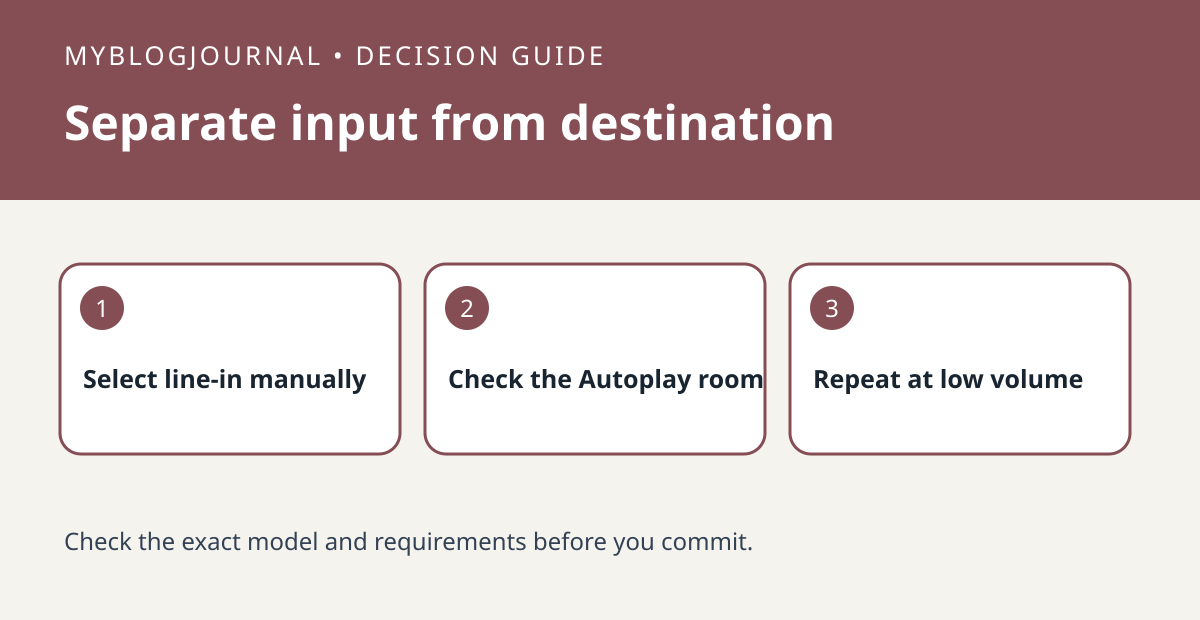
If a Sonos line-in source works when selected manually but starts in the wrong room automatically, inspect Autoplay’s room setting before buying a new adapter.
Set up the test
Identify the product with the physical input and the room where you actually want playback. Play a short sample manually at a low volume to verify the source and cable. Record the existing Autoplay room and grouping preferences where available.
Interpret the result
Try the same source again using the supported Autoplay setup. Check which room starts and whether existing groups change what you hear. If manual playback fails too, investigate the source or connection before changing the room configuration.
Worked example
A turntable connected in an office does not have to be heard in the office if the supported setup sends it elsewhere. Compare input detection and playback destination separately before changing hardware.
Documentation and next step
See the official documentation for supported settings. For a related decision, see sonos line in delay group dropout test.


