
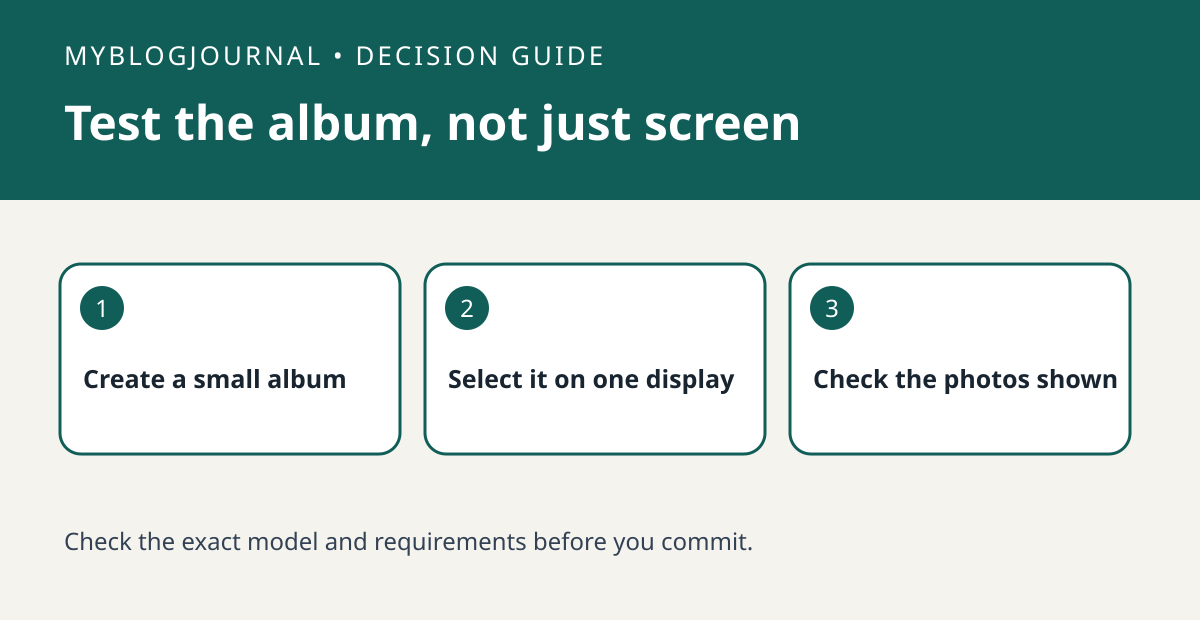
If you already own a compatible Google Nest display, try a small dedicated album before buying a separate digital photo frame.
Set up the test
Create an album containing only photos everyone using the room agrees to show. In the Google Home app, use the documented Photo Frame settings for the exact display and select that album. Start with several clearly different photos so it’s easy to tell whether your selection took effect.
Interpret the result
Check the display over more than one rotation. Compare what appears with your selected album and its curation settings. If the wrong pictures show, check the selected source and account before blaming the display. Restore the original Photo Frame source after the trial if the room is shared.
Worked example
If the screen is for a kitchen where visitors can see it, a dedicated album gives you a more useful buying test than turning on your full personal collection. Judge viewing distance and brightness separately.
Documentation and next step
See the official documentation for supported settings. For a related decision, see nest display camera name vs device compatibility test.


