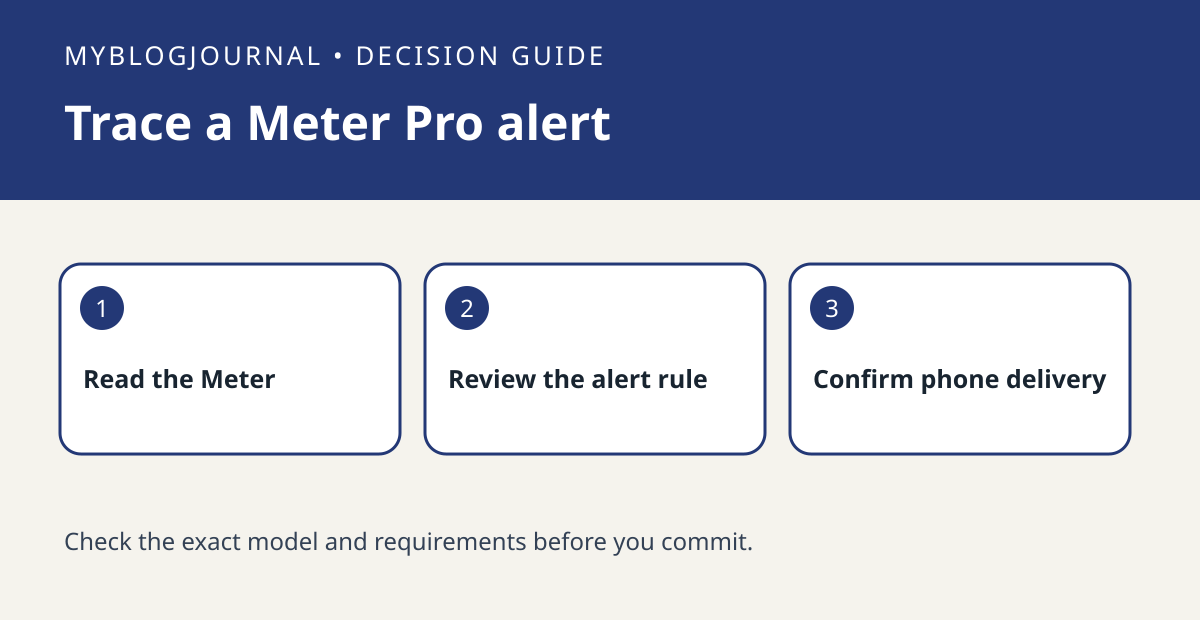
A visible SwitchBot Meter Pro reading is not proof that your phone will receive an alert. Check the alert rule and delivery path separately before buying a hub.
Set up the test
Confirm the device name and current reading in the app. Read SwitchBot’s instructions for the exact model and note any documented hub or settings requirements for the alert behavior you need. Review the configured threshold, unit, and direction rather than assuming every alert triggers whenever a reading is already beyond a limit.
Interpret the result
Use an ordinary, safe change in room conditions or a temporary threshold you can restore, then watch for the documented trigger behavior. Keep the app’s event evidence and phone delivery separate. If there is an event but no notification, review the phone’s permissions and app notification settings.
Worked example
If you can read the current humidity beside the Meter but need a notification while away, test the intended away-from-home path before deciding what hardware to buy. Do not rely on this test for safety-critical monitoring.
Documentation and next step
See the official documentation for supported settings. For a related decision, see switchbot meter csv export date range check.