
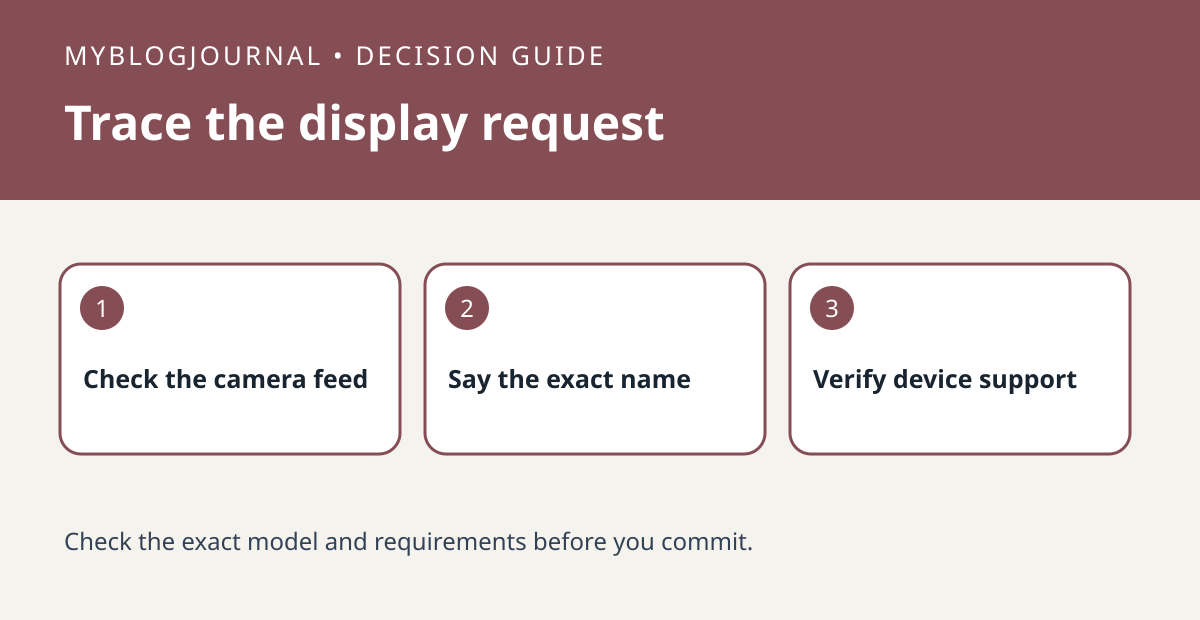
Before buying another display to view a security camera, test whether the camera is reachable and whether your current screen supports its feed.
Set up the test
Check the camera from its supported app. Use the exact camera name and the display or streaming device identified in Google’s instructions. If several cameras have similar names, verify which one responds rather than assuming the feed is broken.
Interpret the result
If the phone works and the screen does not, check the exact camera and display combination, household assignment and linking requirements. A phone feed working does not establish compatibility with the display. Test only cameras you are authorized to view.
Worked example
If the app shows the back door but your voice request opens the driveway, correct the naming or request first. Buying another display would not solve that selection problem.
Documentation and next step
See the manufacturer’s instructions for supported settings. For a related decision, see nest camera history filter missing event check.


