
Use Blink’s supported Snooze control when your goal is to pause motion notifications, rather than assuming you need to disarm the camera system.
Set up the test
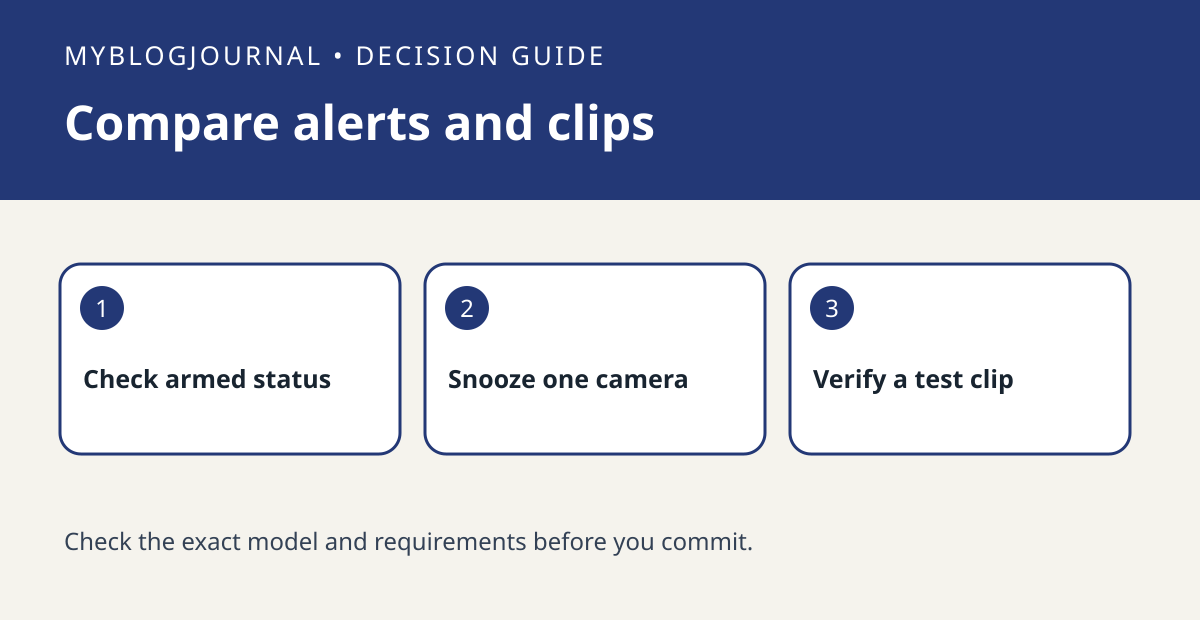
Check the system’s armed state and the camera’s motion setting. Pick a nonprivate test scene. Note the current time, apply a short supported Snooze interval for the intended camera, then create a known motion event.
Interpret the result
Look for the saved clip and phone alert separately. Blink distinguishes snoozing notifications from disabling motion recording; recording still depends on your camera and storage setup. If neither result occurs, verify the camera was armed and able to record before drawing conclusions.
Worked example
If you want quiet notifications while taking out the bins but still want a clip when available, test Snooze once before changing the whole system’s schedule.
Documentation and next step
See the official documentation for supported settings. For a related decision, see blink arming schedule vs camera motion state.


