
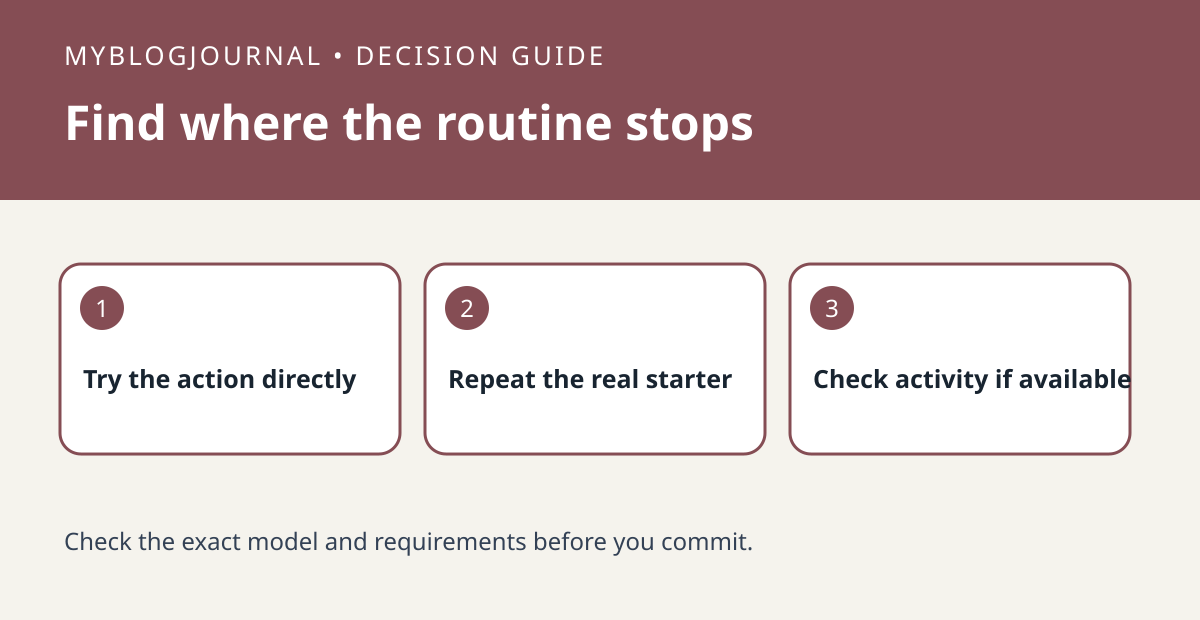
When a Google Home routine misses a lamp action, test the device directly and then repeat the routine’s actual starter. Those checks separate two different failures.
Set up the test
Choose a harmless action such as switching a lamp. Verify it from the device tile and write down the starting state. Trigger the routine the way it normally runs, not by pressing its play control. Keep the device, account and time window consistent.
Interpret the result
Check the available Home activity and Google’s troubleshooting steps for that routine type. If the lamp responds directly but there is no evidence the routine started, inspect the starter, conditions and household configuration. If the routine starts but the device does not respond, check the selected action and device instead.
Worked example
A routine that works from its play button but not at sunset needs a starter or timing check first. Replacing a lamp that already responds directly would not address that difference.
Documentation and next step
See the manufacturer’s instructions for supported settings. For a related decision, see google home downtime shared speaker scope check.


