
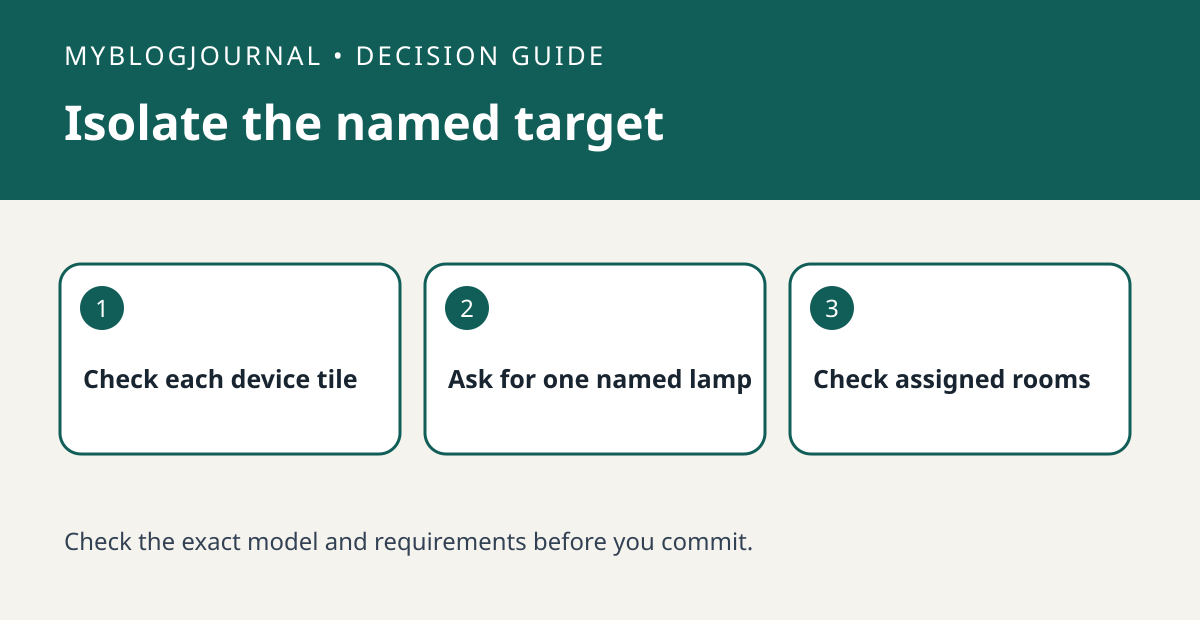
If an Apple Home voice request controls the wrong lamp, compare the accessory’s name and room assignment before replacing it.
Set up the test
Use the Home app to confirm which physical lamp each tile controls. Note the current accessory and room names, especially when two rooms contain a lamp with the same name. Choose a harmless on/off test and check that you can identify the result in both rooms.
Interpret the result
Make one request that includes the intended room and compare it with the shorter request that previously caused confusion. If the explicit request works, adjust the naming or phrasing before troubleshooting the hardware. If the tile itself controls the wrong device, correct that mapping first.
Worked example
For example, two lamps both called Desk Lamp can be easy to confuse across rooms. Try naming the room in your request before renaming both devices or buying a dedicated controller.
Documentation and next step
See the official documentation for supported settings. For a related decision, see apple home scene one accessory fails check.


