
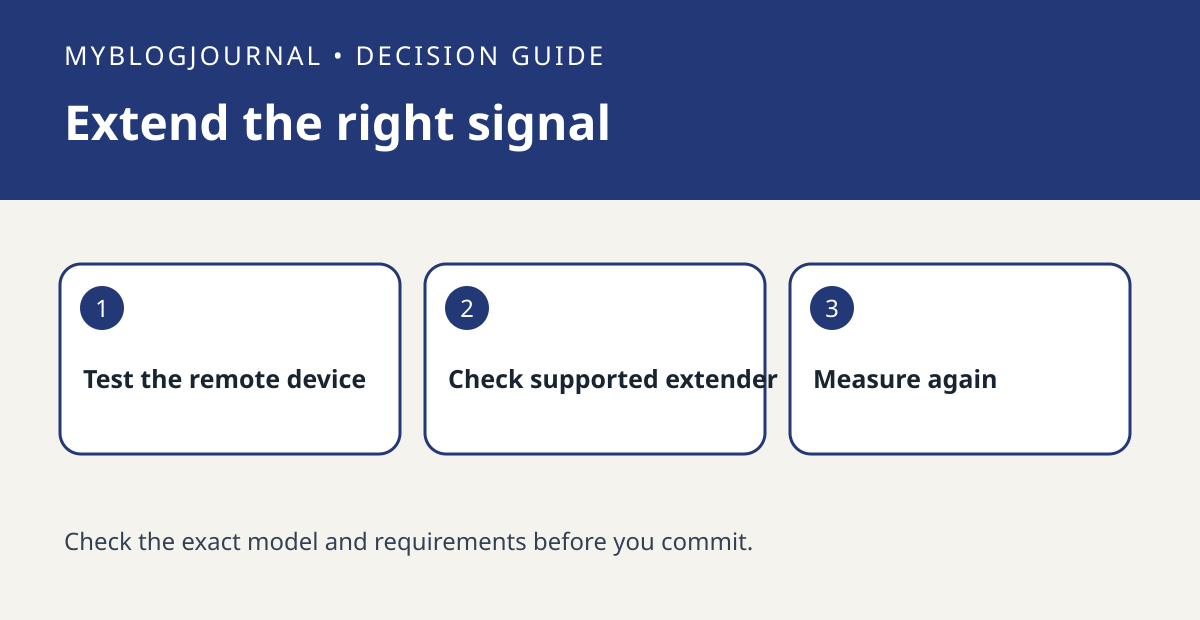
If a far Caséta device responds unreliably, check the Caséta radio path before buying a Wi-Fi extender. Lutron documents a dedicated wireless repeater and a compatible plug-in lamp dimmer that can extend its system range. That does not make every smart plug a repeater or every outlet a useful placement.
Map the weak link with three locations
Write down the hub, the problem device and a possible powered location between them. Run several commands under normal conditions and note failures. Compare the placement against Lutron’s current range and setup guidance; walls and the actual layout matter. If you already have the documented lamp dimmer, check how it was added and whether it is serving the intended role before ordering another device.
Compare a useful dimmer with a dedicated repeater
For example, a midpoint outlet that needs a lamp control may make the supported dimmer useful for two jobs. A midpoint outlet without a lamp may favor the dedicated repeater if that path fits the guidance. Verify allowed device counts and installation order before combining them. Repeat the same command test after the change rather than assuming an added device fixed the original failure.
Source: manufacturer’s current documentation. Related: check whether a Pico can add local control.


