If a known Nest camera event seems to be missing, check the history view and its filters before changing what the camera records.
Set up a controlled test
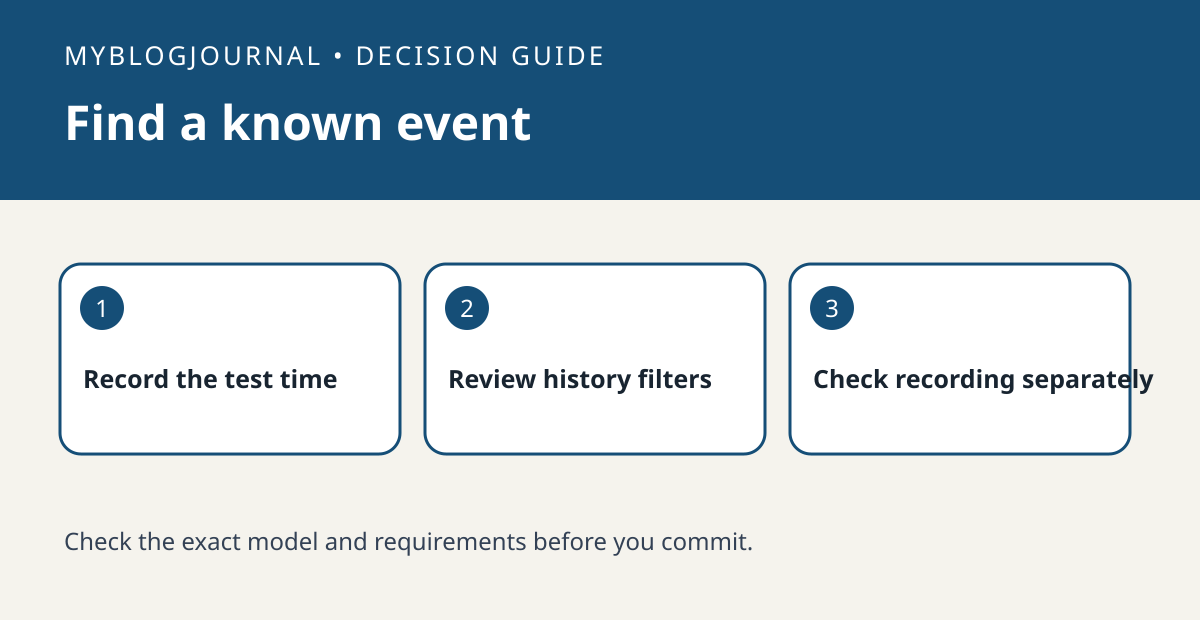
Use the Google Home history view supported by your exact camera and account. Create one ordinary event in a nonprivate scene and write down its time and the camera name. Find that camera’s history and make sure you are looking at the correct day.
Read the result
If the view offers event filters, compare the filtered view with all available events. Look for the same timestamp. An event found only in the wider view calls for a display adjustment; an absent event may require checking recording eligibility, camera state or history retention instead.
Worked example
If you filtered for people and a known clip appears under a different category, note that difference before changing detection settings. That keeps the viewing problem separate from whether the device recorded anything.
Documentation and next step
See the manufacturer’s instructions for supported settings. For a related decision, see nest camera status light vs saved event check.