
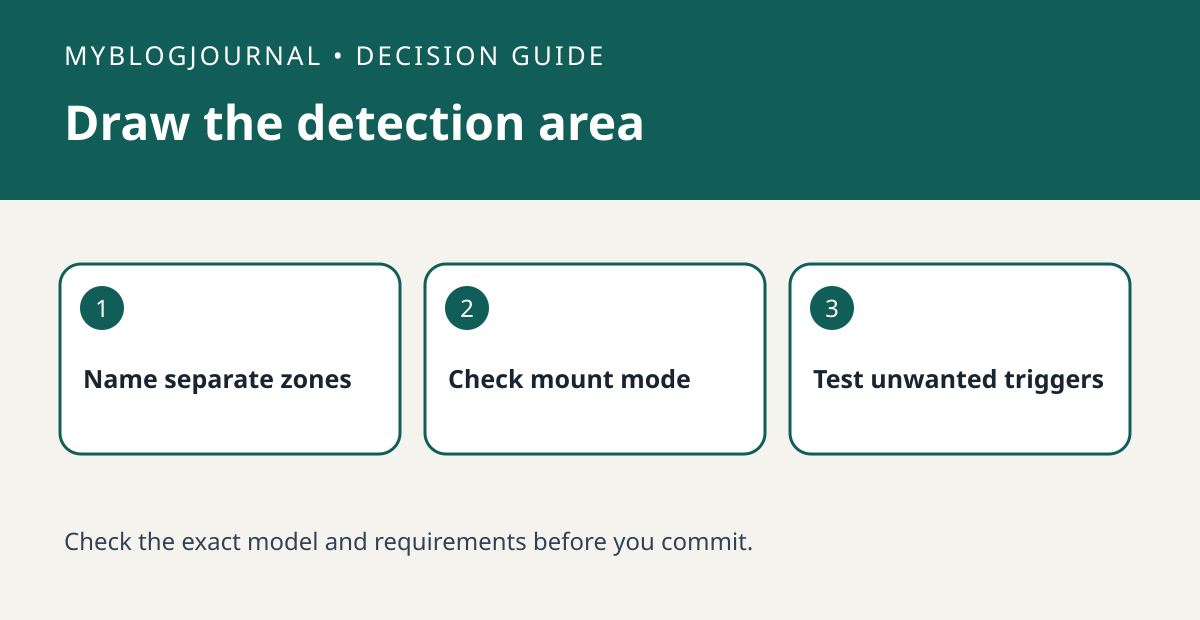
If your reason for buying an Aqara FP2 is to distinguish a desk from a doorway, plan the sensor’s placement around those zones before you mount it. Aqara documents different installation modes and says zone positioning is unavailable in fall-detection mode. Do not assume one placement or mode provides every listed feature.
Sketch the room as you actually use it
Draw the desk, chair, walkway and intended mounting position, then label which activity should trigger which light. Suppose the desk lamp should stay on while someone is seated but not turn on every time another person walks past. Mark both areas and check the product instructions for the zone-oriented configuration. Include an accessible power source and a mounting location you are allowed to use.
Test useful and unwanted detections
Use one harmless light as the test output. Sit in the intended zone, walk through the neighboring zone and repeat with an ordinary obstruction in its normal position. Record missed detections and unwanted triggers separately. If your two jobs cannot be separated reliably, try revising placement or zone boundaries before purchasing a second sensor. Do not rely on this household trial for emergency monitoring.
Source: manufacturer’s current documentation. Related: compare a basic Echo occupancy test.


