
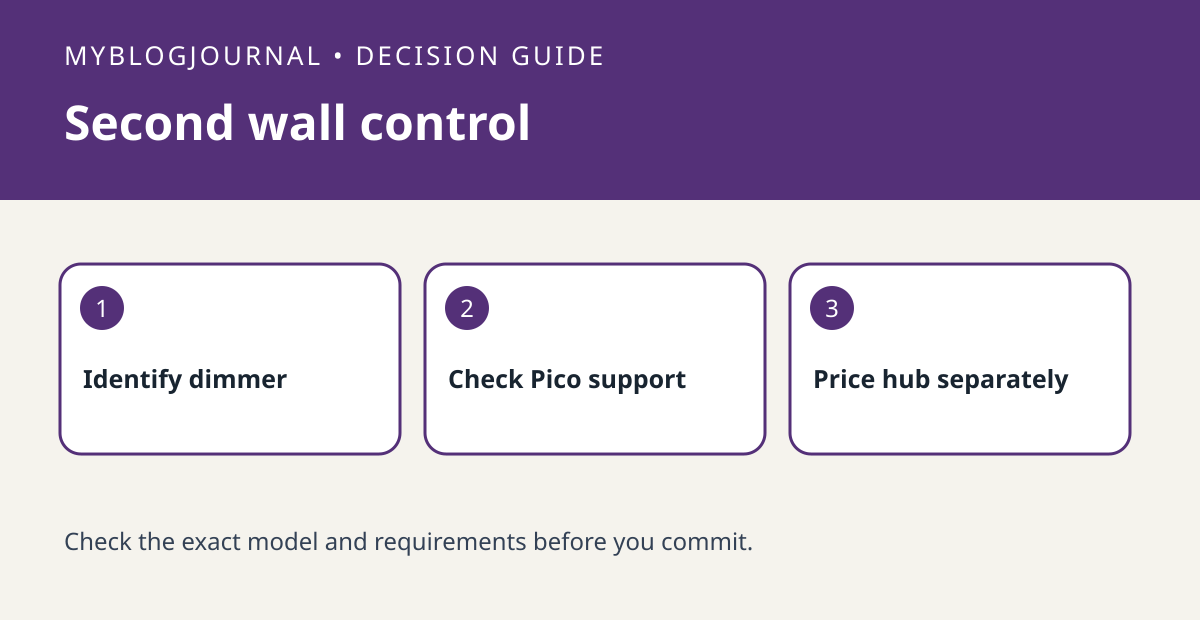
If the goal is a second physical control for a compatible Caséta light, check direct Pico pairing before buying a smart hub. A physical wall-control job is different from phone control, schedules or third-party integrations. Use Lutron’s instructions for the exact dimmer or switch and Pico combination, since the matching and setup steps depend on the hardware.
Decide what the second location must do
Suppose a doorway needs on/off and the main wall already has a compatible Caséta dimmer. Write down “second physical control” and any needed dimming or preset behavior. Compare the exact Pico button layout with that job. If you also want app-based control or integrations, make a separate line for the hub and verify those functions rather than assuming they come with the remote.
Compare complete configurations
Price the compatible load control, Pico and intended mounting accessories in both scenarios, then add a hub only to the quote that needs one. A Pico is a remote, not a replacement for the device that switches the load. If the primary control or wiring compatibility is unclear, have it identified before ordering hardware. This is a purchase worksheet, not instructions to change mains wiring.
Official documentation: manufacturer’s guide. Related: verify dimmer and load compatibility.


