
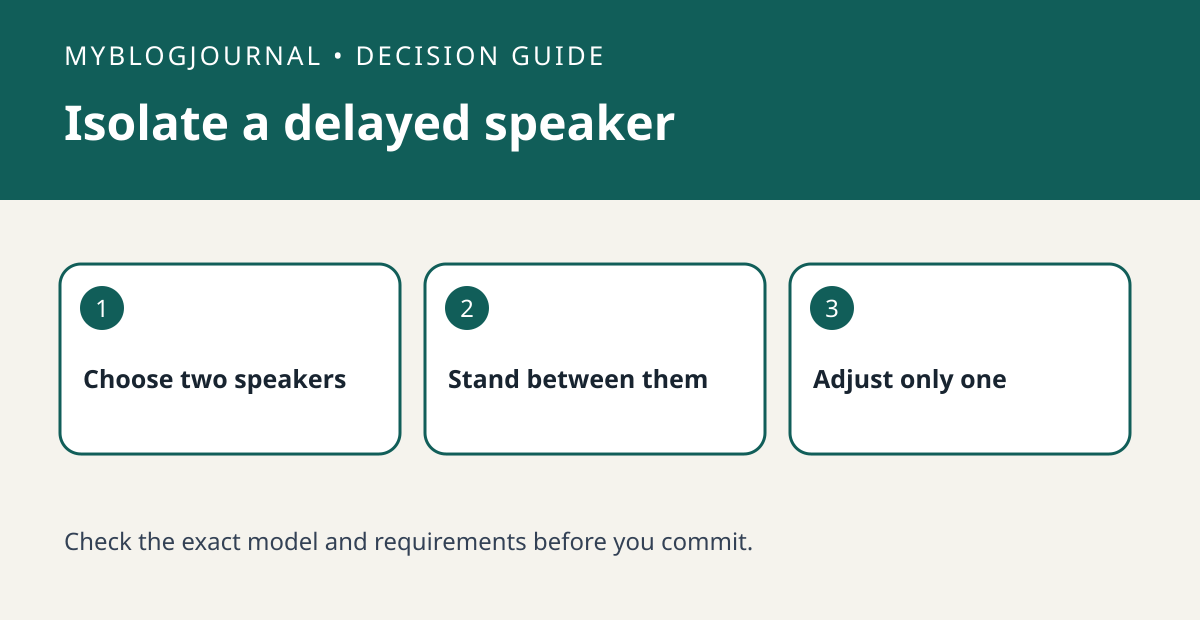
If a Google Home speaker group echoes when you stand between rooms, test its timing correction before replacing a speaker.
Set up the test
Create a temporary comparison with just the two devices that sound out of sync. Pick speech or music with sharp beats and listen where both speakers are audible at a reasonable volume. Verify that each speaker sounds normal when played alone.
Interpret the result
Use Google’s documented group-delay correction only for the device that needs adjustment. Write down the original setting, make a small change and compare the same audio again. If a speaker stutters by itself, troubleshoot that first; group timing does not repair unstable playback.
Worked example
For example, if the kitchen sounds right alone and the adjoining speaker consistently lags only in the group, use that pair as the reference. Add the remaining rooms back only after the two-device test.
Documentation and next step
See the manufacturer’s instructions for supported settings. For a related decision, see google speaker stereo pair vs speaker group.


