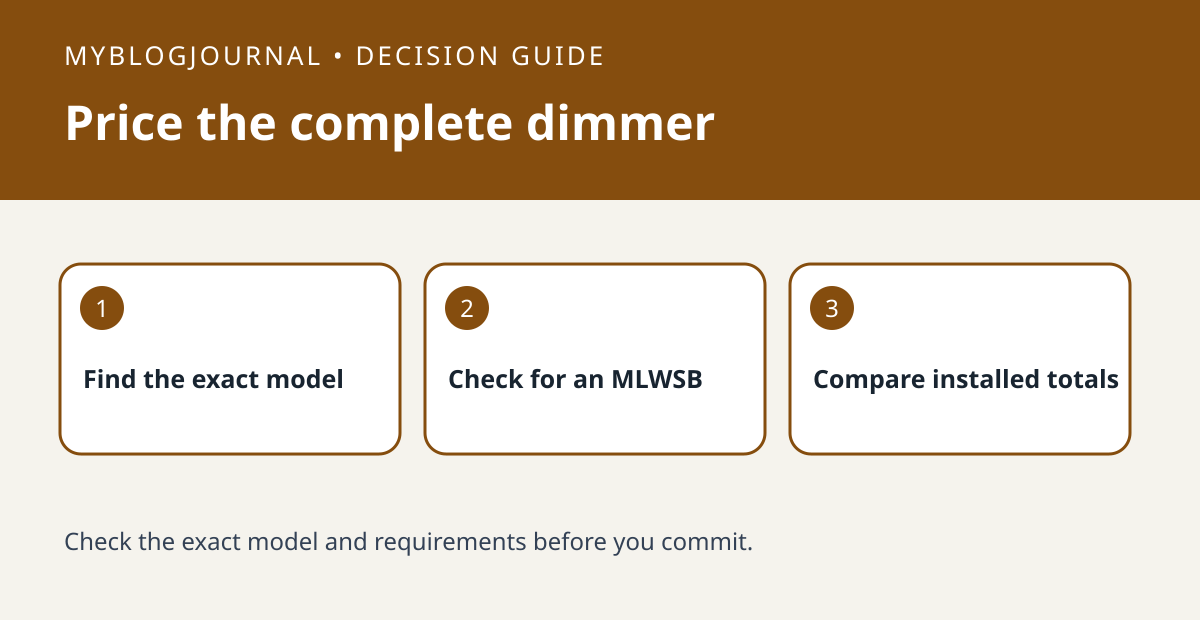
When shopping for a Leviton DN6HD no-neutral dimmer, compare complete installed costs. The single dimmer is not the same purchase as the starter kit: Leviton lists the DN6HD and the MLWSB Wi-Fi bridge together in the kit.
Separate what the house has from what the listing includes
Ask an electrician to confirm the wiring, ground and compatible load for the exact wall box. Then check the model on any bridge you already own. A router or a bridge from another brand is not a substitute for the specified MLWSB. For a second room with an existing bridge, check whether it can serve the proposed location before paying for another kit.
Compare quotes on the same scope
Use three lines: hardware actually needed, any compatible lamp or companion controls, and installation. For example, if one quote includes a starter kit and another includes just the dimmer, add the missing bridge to the second quote unless you already have a usable one. Have the installer confirm multi-location control separately. A cheaper box on the shelf is not necessarily the cheaper working system.
See the manufacturer’s documentation for current requirements. Related: smart dimmer switch neutral load purchase check.