
If a household member needs to answer the front door but should not see a camera elsewhere, check Ring’s user permissions before buying a separate device or sharing a password.
Write a short permission brief
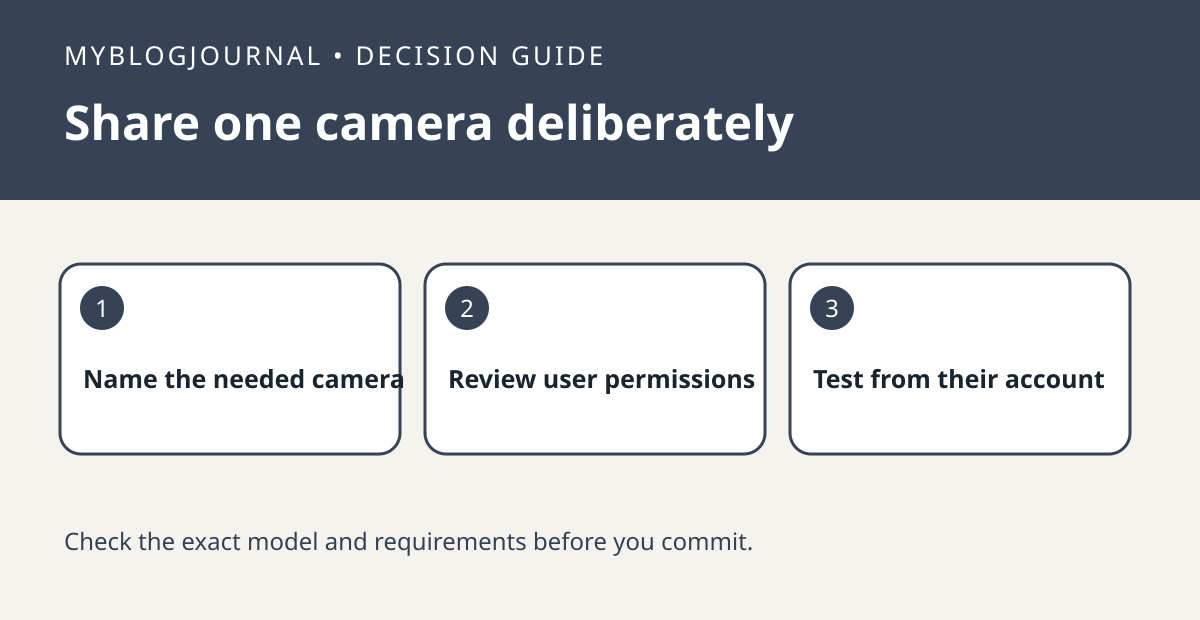
List the location, allowed device and required action. For example, a house sitter might need to answer the front door but not browse saved clips or see the garage camera. Ring’s owner controls let you choose permissions and specific devices to share. Check the current permission table for your market, especially whether a role can share recorded video, and verify subscription requirements if recorded playback is needed.
Test the invitation from the recipient’s side
After the invite is accepted, have the person check the front-door view and perform a planned test ring. Ask them to confirm the excluded camera is absent; an owner’s app is not proof of what the recipient can see. If access is wrong, recheck the location, selected devices and permission level. Remove temporary access when it is no longer needed and confirm the former recipient no longer sees the device.
See the manufacturer’s documentation for current requirements. Related: ring privacy zone vs motion zone setup.


