Hue Bridge Pro can connect to your home network by Wi-Fi or Ethernet. If you are considering an upgrade mainly to move the bridge away from the router, compare a cabled location and a practical wireless location before spending money.
Separate the two connections
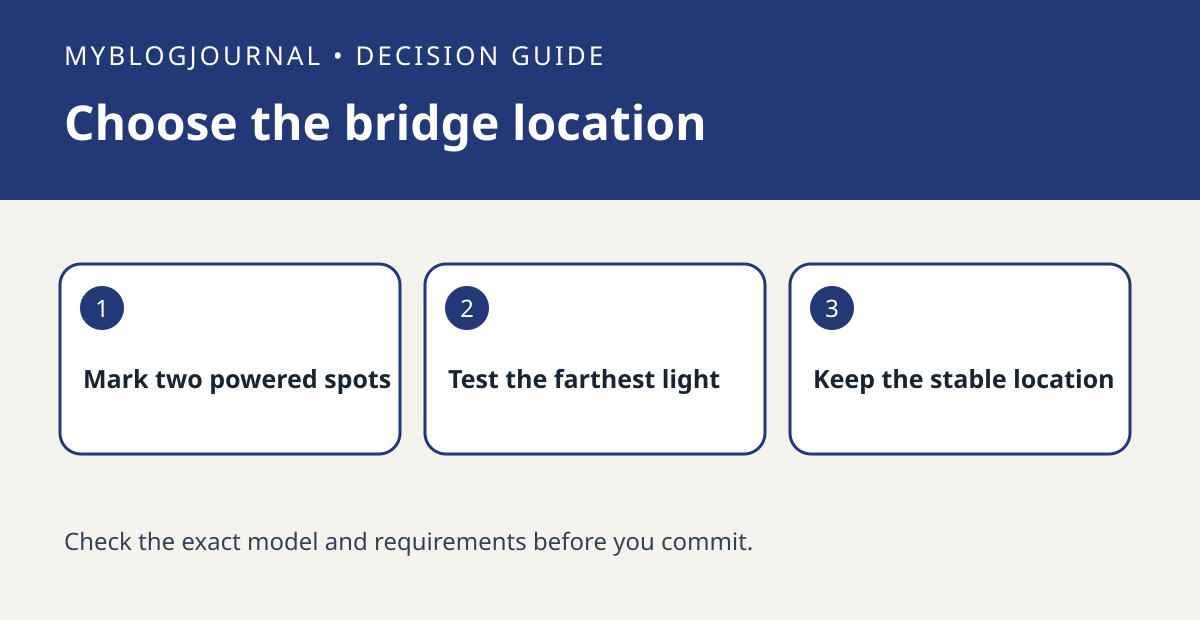
The network connection from the bridge to your router is not the same as the connection from the bridge to your lights. Sketch both paths. For a wired location, identify a usable Ethernet run and outlet. For a Wi-Fi location, identify an outlet in a spot with a usable network signal, rather than assuming the most central shelf works. Philips provides separate setup choices in the Hue app for the two network options.
Use one far light as a benchmark
As a hypothetical example, a router in a basement and a troublesome lamp upstairs give you two sensible tests: Ethernet near the router and Wi-Fi at a powered landing. At each spot, test app control of a nearby light and the upstairs light several times. If one location repeatedly loses app access to all lights, check the network side first; if one light is the only failure, investigate that light and its route before buying networking hardware.
See the manufacturer’s documentation for current requirements. Related: hue bridge pro migration automation inventory.