
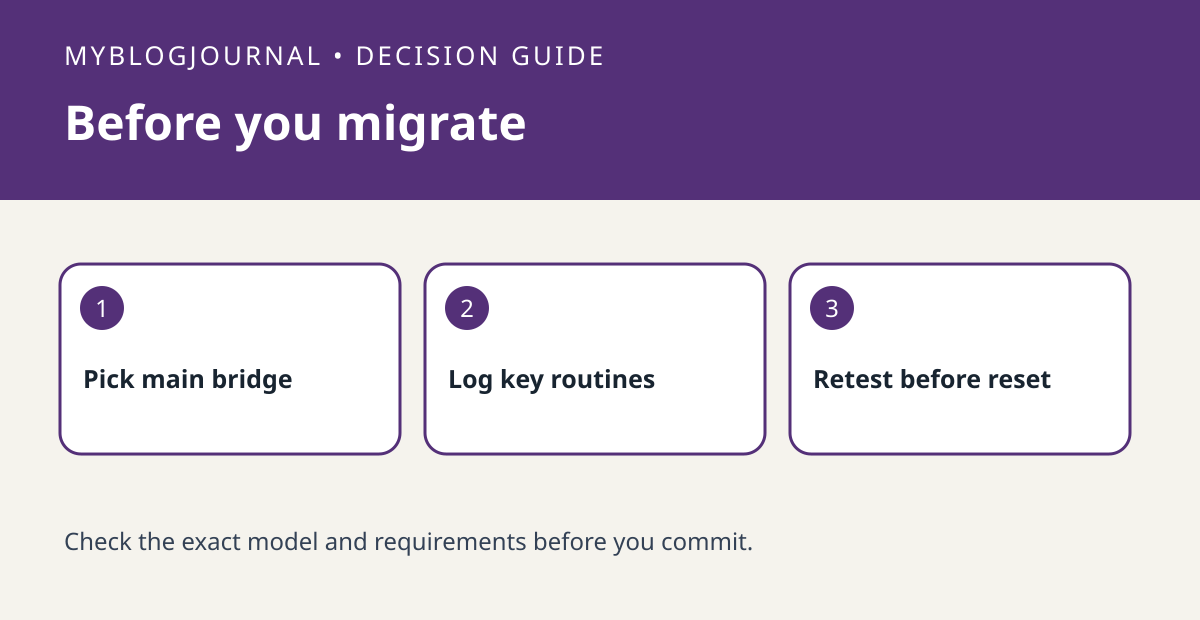
Before buying a Hue Bridge Pro to consolidate bridges, list the automations and integrations you cannot afford to lose. Philips Hue’s migration table distinguishes the main bridge from additional bridges. Do not assume that a light appearing on the new bridge means all the routines and integrations that use it have moved.
Choose the main bridge based on work to recreate
Make a row for each existing bridge and record essential rooms, scheduled routines, button actions and connections to other platforms. Give special weight to rules you would struggle to reproduce, such as a weekday sequence that controls several rooms. Read Hue’s current migration table and compare main-bridge behavior with additional-bridge behavior for the rows you marked. Save the rule settings or screenshots where useful before starting.
Accept the move by function, not device count
For example, a kitchen bulb may respond in the Hue app but still fail when called from a separate voice platform. Test direct control first, then physical buttons and sensors, then one representative schedule and third-party integration. Write down each failure so you know whether you are repairing device enrollment or rebuilding an automation. Hue says to reset old bridges once migration is confirmed; keep that step until after the functional checks, not immediately after the migration progress bar ends.
Official documentation: manufacturer’s current guide. Related decision: check which features the native Hue app can control.


