
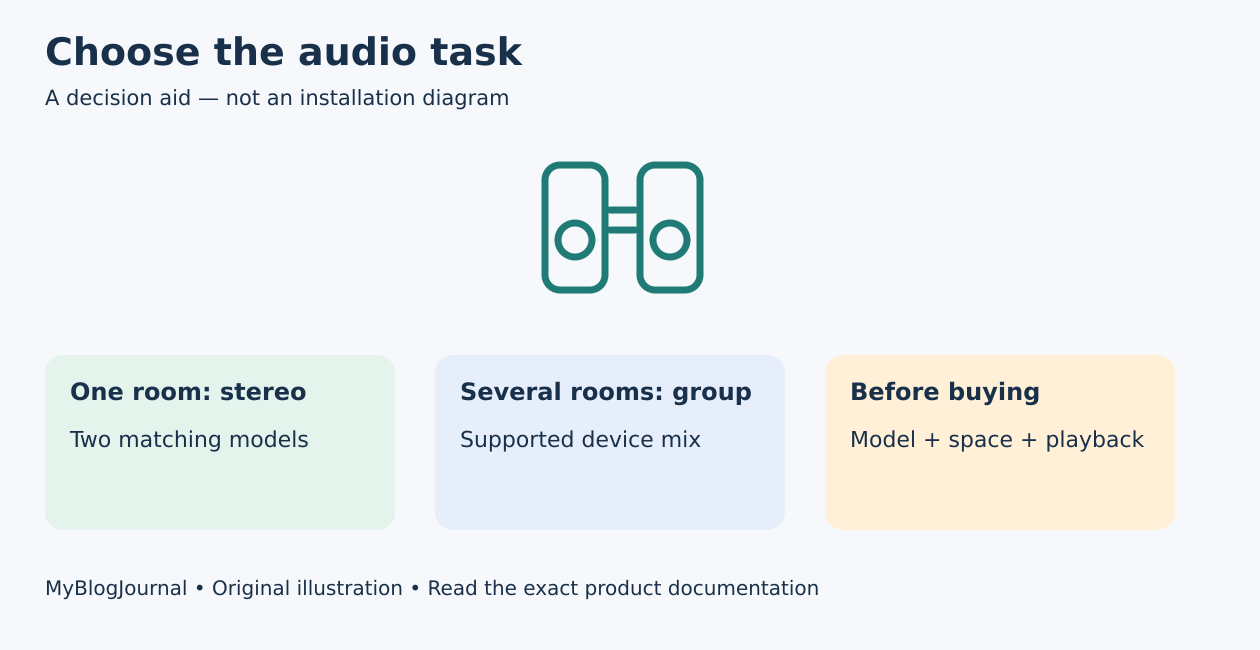
Choose a stereo pair when you want left/right sound in one room. Choose a supported speaker group when you want media in several locations. Buying any second Google speaker does not automatically create a compatible stereo pair.
Same brand does not mean same stereo model
Google’s stereo-pair documentation requires two supported speakers of the same model in the same room. Record the exact generation of the speaker you already own before shopping used stock or sale bundles.
| Goal | Start with | Check before purchase |
|---|---|---|
| Left/right listening in one room | Stereo pair | Same supported model, placement |
| Music in several rooms | Speaker group | Supported models and firmware |
| Use an existing Bluetooth speaker | Supported Bluetooth output | Connection and playback-delay limits |
| Television audio | Exact TV/streamer integration | Do not infer from music support |
Include placement in the budget
Check two stable locations, power outlets, a usable network connection, and where you normally sit. Do not put speakers at unsafe shelf edges to create separation. Price any furniture or cable-management change actually needed, rather than comparing only the second speaker’s price.
A pair becomes a combined control target. Before naming it, consider existing rooms, groups, and routines so the new name does not become ambiguous. Follow the current app’s supported pairing flow and verify left/right assignment.
Example: two rooms are not a stereo upgrade
Hypothetical: an owner has a Nest Audio in the kitchen and wants music in a bedroom. A group can serve that multi-room goal with supported devices. Moving a matching speaker into the kitchen to make a stereo pair solves a different task and leaves the bedroom without its intended speaker. Decide the room-level outcome before choosing the hardware.
Check the feature you will actually use
Google’s speaker-group guidance describes supported playback and firmware considerations. Test the intended media service and locations. A group that appears in the app is not proof that every source or streaming device can use it in every way.
Bluetooth is another path, described in Google’s Bluetooth speaker help, but can involve playback delay. Do not buy multiple Bluetooth speakers assuming one Nest device will independently stream to all of them at once.
Keep the purchase reversible
Before ordering, write one sentence: “I want stereo in this room” or “I want synchronized media in these rooms.” Check the exact models and return terms against that sentence. If changing an existing pair, follow Google’s unpairing and account-relinking instructions rather than factory-resetting both devices unnecessarily.
For a secondhand purchase, also read our Nest speaker handover guide. Official guidance reviewed November 5, 2026; no audio quality test, product ranking, or price claim is made.
Featured diagram: original MyBlogJournal decision aid, created for this article. It is not an installation drawing or a product photograph. Links are informational; no affiliate relationship or paid placement is claimed.


