
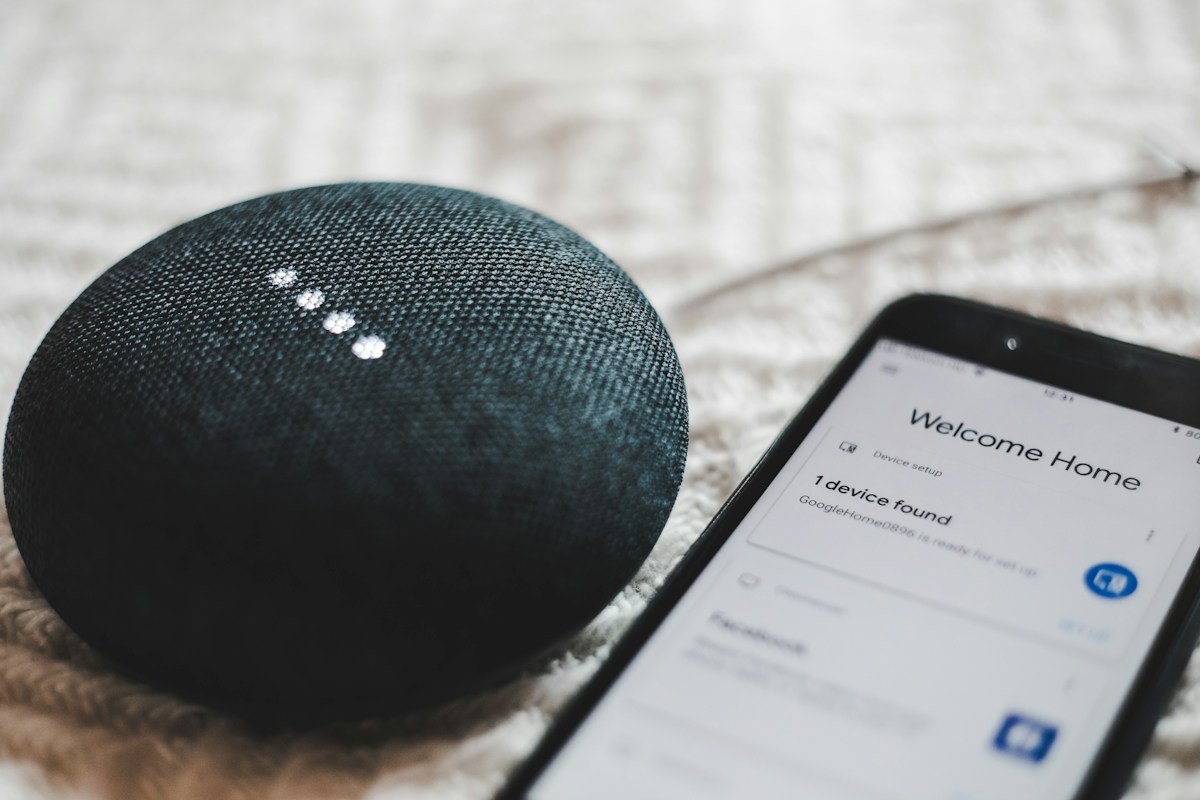
A used smart speaker should be handed over as a device the new owner can configure under their own account. A speaker that answers a command in the seller’s home has not necessarily completed that handover.
Identify the exact model
Record the model, generation, included power supply and visible condition. Similar-looking Google Home and Nest products can use different reset procedures.
Google’s factory-reset guide gives device-specific instructions. It states that a reset cannot be performed by voice or through the Google Home app. Use the section for the exact speaker instead of borrowing a button sequence from another generation.
Prepare before erasing settings
The current owner should review what a reset removes and make the handover decision before performing it. Keep any household configuration information they need privately; do not provide the buyer with account credentials.
If an accessory or power supply is missing, check the manufacturer’s requirements rather than substituting an unknown adapter. A low secondhand price can be misleading if required parts cannot be sourced appropriately.
Complete the supported reset
Follow the documented physical process and expected indicators. Do not interrupt the sequence or open the device to force a reset. If it does not complete as documented, obtain manufacturer guidance rather than guessing increasingly long button holds.
Keep resetting the speaker separate from deleting a Google account or changing unrelated household devices. The handover concerns the particular product.
Verify the buyer’s setup
The new owner should perform setup using their own supported account and network. They should not use the seller’s login to preserve convenience.
Check that the intended speaker appears in the new owner’s app and that basic functions work. Do not interpret a seller’s demonstration as a guarantee that every service, subscription or feature transfers.
Compare the full secondhand cost
Record purchase price, correct included power supply, return arrangement and any known support limitations. Check whether features you want remain supported for the exact model.
For an invented comparison, a $20 unit requiring a separately purchased compatible power supply may not be cheaper than a complete $30 unit. Use actual available parts and prices for a real decision; those figures are illustrative.
Keep a simple handover note
Record model, accessories, reset completion, buyer setup confirmation and unresolved issues. Do not include private account data. If setup remains blocked, resolve that before treating the handover as complete.
Read our new-Wi-Fi planning guide if the issue is your own existing speaker moving networks. The budget smart-home guide covers broader purchase costs.
Source checked November 5, 2026. No refurbished-device testing, transferred subscription or warranty eligibility is claimed.
Photo: BENCE BOROS on Unsplash. Illustrative stock photograph, not a tested installation or endorsement.


