
A Nest Hub can participate in a video call without sending its own camera picture. Before buying a display for two-way family video, check the exact model’s camera hardware, the supported calling method, and who needs to see whom.
Distinguish video reception from a camera
Google’s Meet calling help lists Nest Hub, Nest Hub (2nd gen), and Nest Hub Max for video calls, but says the first two can receive rather than send video. The word “video” in a feature list therefore does not establish two-way camera video.
| Requirement | Evidence to request |
|---|---|
| Other person sees you | Camera-equipped supported display |
| You see the caller | Supported incoming video and caller camera |
| Join a work meeting | Meeting support, not only consumer calling |
| Several people in one call | Incoming/outgoing group-call limits |
| Shared household | Accounts, contacts, and recognition configuration |
Calls and meetings are different products
Google separately states that Meet meetings are not supported on these Assistant devices, while Meet calls remain available. Do not buy a used display expecting it to replace a laptop for a scheduled workplace meeting just because a seller says “supports Meet.”
Check the current official restrictions for the exact task. Google distinguishes incoming and outgoing group calling, and supported capabilities can change. Do not extrapolate an incoming-call capability into an outgoing conference feature.
A short requirements sheet before checkout
Write the model and generation, whether a built-in camera is required, the other caller’s device, the intended Google accounts, the call direction, and whether it is a one-to-one call or a meeting. Add internet, power, placement, and any desired privacy controls. Use that sheet to compare a display with a phone or tablet you already own.
Example: a cheap display can solve the wrong problem
Hypothetical: a buyer wants grandparents to see a child during a family call. A camera-free Nest Hub may show the caller, but it will not supply the local camera picture. A lower purchase price does not make it an equivalent substitute for the required two-way video setup. Using an existing suitable tablet might meet the task without another display.
Check a real call and privacy controls
Where a device is available, test the intended account/contact combination rather than a demonstration video. For a Hub Max, Google explains the camera states and indicator lights. Agree on its position in the home and understand camera/microphone controls before relying on it.
This is a calling-compatibility decision, not another “best display under $50” list. For the broader purchase method use our total-setup-cost guide. US English support documentation reviewed November 5, 2026; no current price or hands-on calling test is claimed.
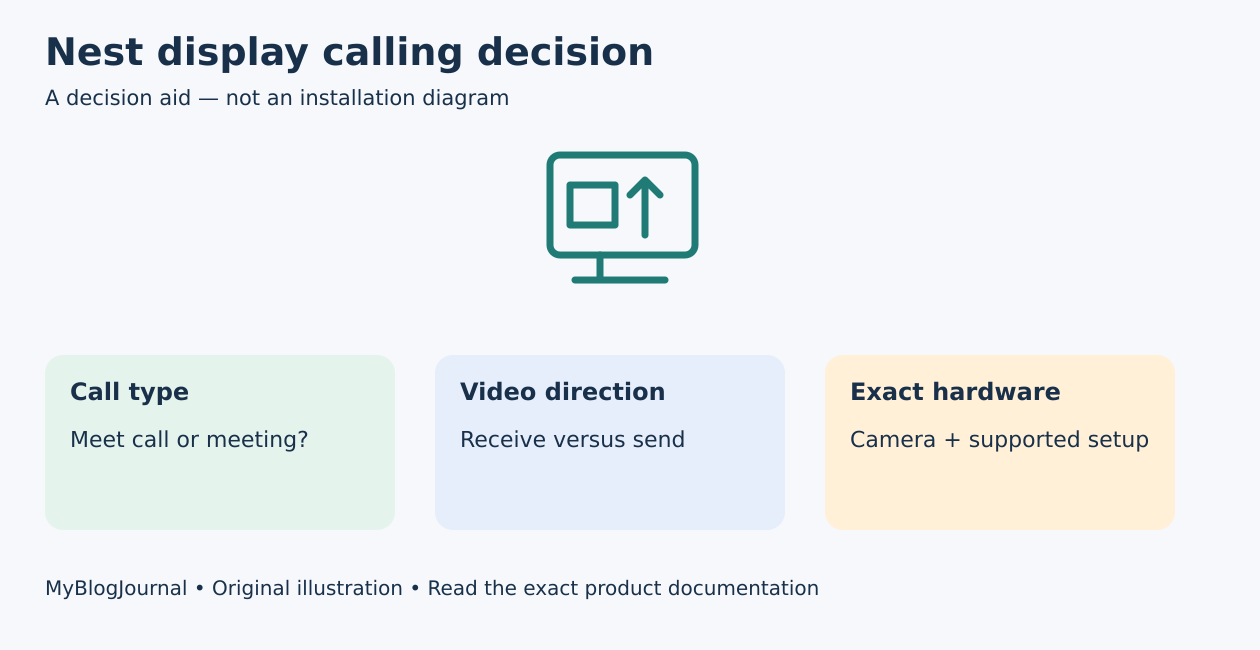
Featured diagram: original MyBlogJournal decision aid, created for this article. It is not an installation drawing or a product photograph. Links are informational; no affiliate relationship or paid placement is claimed.


