Identify all three pieces before shopping
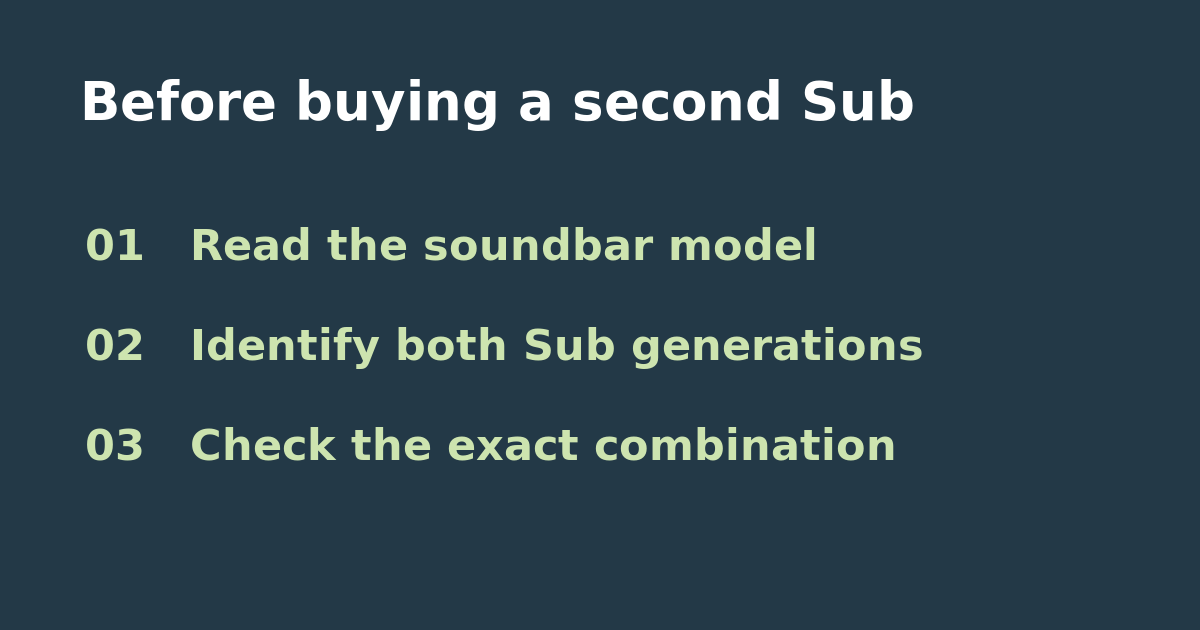
Write down the home theater speaker’s exact model, the generation of your current Sub, and the exact model and generation on the used listing. Ask for a model-label photo if the listing just says Sonos Sub. Do not assume that two models that each work alone with the soundbar will work together. Check the app generation as well: Sonos says Sub 4 and Sub (Gen 3) do not work with the S1 Controller.
Use the two-Sub rules, not the one-Sub list
Start in the two-Sub section of Sonos’s setup documentation. For example, it lists Arc Ultra with two Sub 4s, two third-generation Subs, or one of each. For a Playbar or Playbase it lists earlier Sub generations and says at least one must be third-generation. That means a low-priced pair of second-generation Subs is not a suitable purchase for a Playbar just because a single one is compatible. If your three models do not appear together in the supported combinations, do not treat similar names or an app screenshot from another system as proof.
Decide whether the upgrade solves your problem
Before buying, play the same short passage at the same volume from your main seat and another seat. Record whether bass is weak everywhere or only in one spot. If just one seat is affected, try a permitted placement change with your existing Sub and repeat the comparison before pricing a second unit. If you still want two, include shipping and return costs for a used unit and confirm the seller’s return terms before paying. In a supported room with one Sub already configured, Sonos documents a Connect Second Sub option; use it with the confirmed hardware rather than treating a missing option as a reason to buy on speculation.
Sources and next checks
See the official Sonos compatibility and setup guide. If your question is instead why a control is unavailable on a working single Sub, see the phase and Trueplay troubleshooting guide.