Decide what the number should mean
A count of door openings since you replaced a sensor battery should usually survive a restart. A tally of bench-test runs in the current session may need a known starting value instead. Home Assistant’s Counter helper separates its initial value from the option to restore the last known value. Neither setting clears the tally automatically every morning.
Test with two numbers that cannot be confused
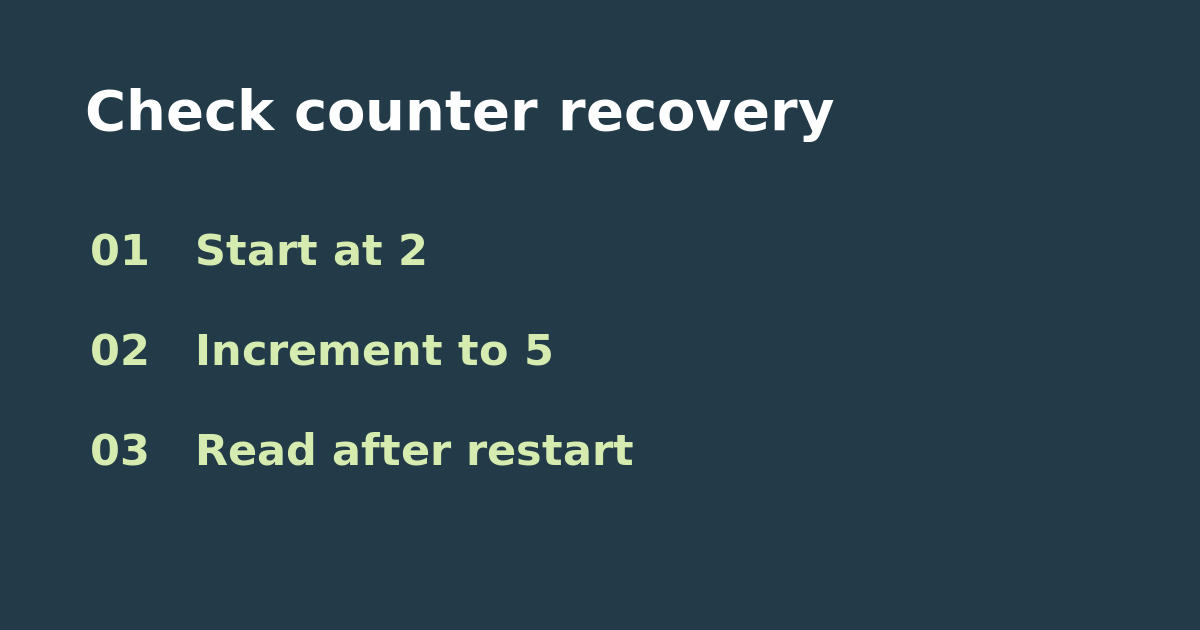
Create a separate Counter helper with an initial value of 2 and a step of 1. Leave it disconnected from device controls and notifications. Increment it three times so it reads 5. With restoration enabled, read the value after the next planned restart and after Home Assistant has finished loading. If you want to test the other behavior, turn restoration off on the test helper, make sure it reads 5 again, and check after another planned restart. Expect 5 if the last value is successfully restored, or 2 if startup uses the configured initial value. Avoid restarting solely for this test if other household functions need to stay available.
Use the result to troubleshoot the real tally
If the isolated helper restores correctly but the real one jumps to its initial value, look for a startup automation or other action that resets or sets it. If your real goal is a daily tally, define the day boundary explicitly instead of tying it to a reboot; decide whether to save the closing total before resetting. Use the test helper to check the logic without losing the real count. Do not test on a counter that controls safety-critical equipment.
Further reading
See the official Counter documentation. If the input is an accumulated measurement rather than individual events, use the daily utility-meter counter check.