
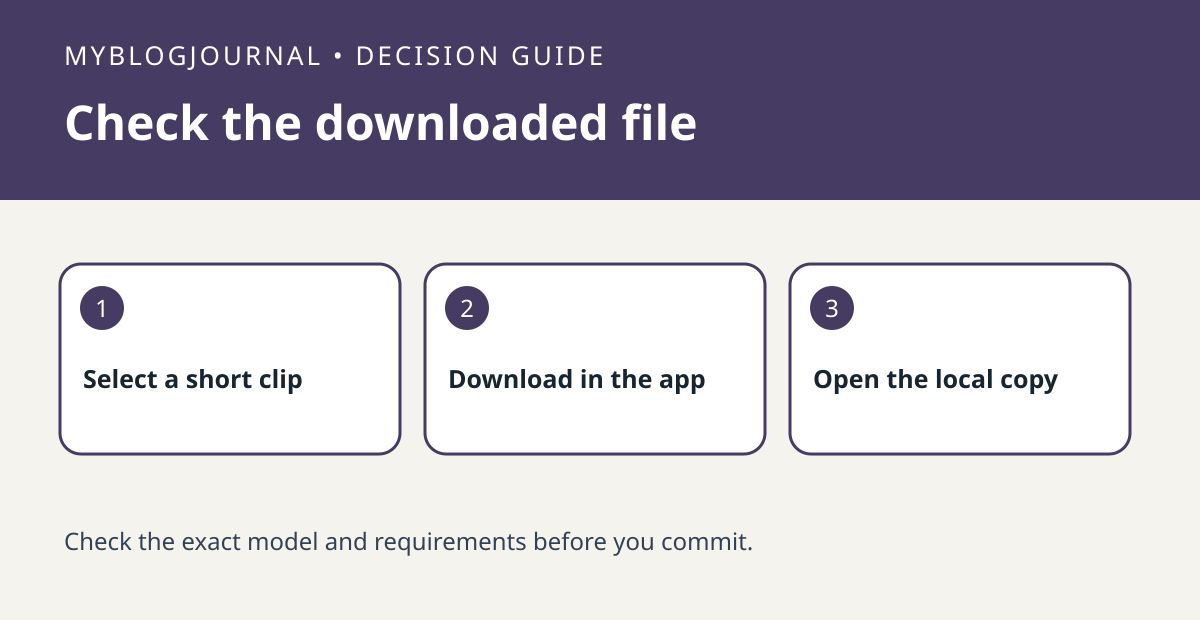
If you need a Reolink clip on your phone, verify an actual download rather than assuming that in-app playback creates a local file.
Set up the test
Check Reolink’s instructions for your device and app. Choose a short nonprivate event and note the camera and time. Use the download control in playback and verify where the finished copy appears on your phone. Keep the original recording intact during the test.
Interpret the result
Open the downloaded file using the phone’s local viewer, not the camera’s playback screen. If playback in the app works but the local file is missing, check the app’s download result and available device storage before considering a new camera or NVR.
Worked example
This is a phone-export test. A successful USB export from a recorder is useful but does not tell you where the mobile app puts its own downloads.
Documentation and next step
See the manufacturer’s instructions for supported settings. For a related decision, see reolink nvr usb export playback before drive buy.


