
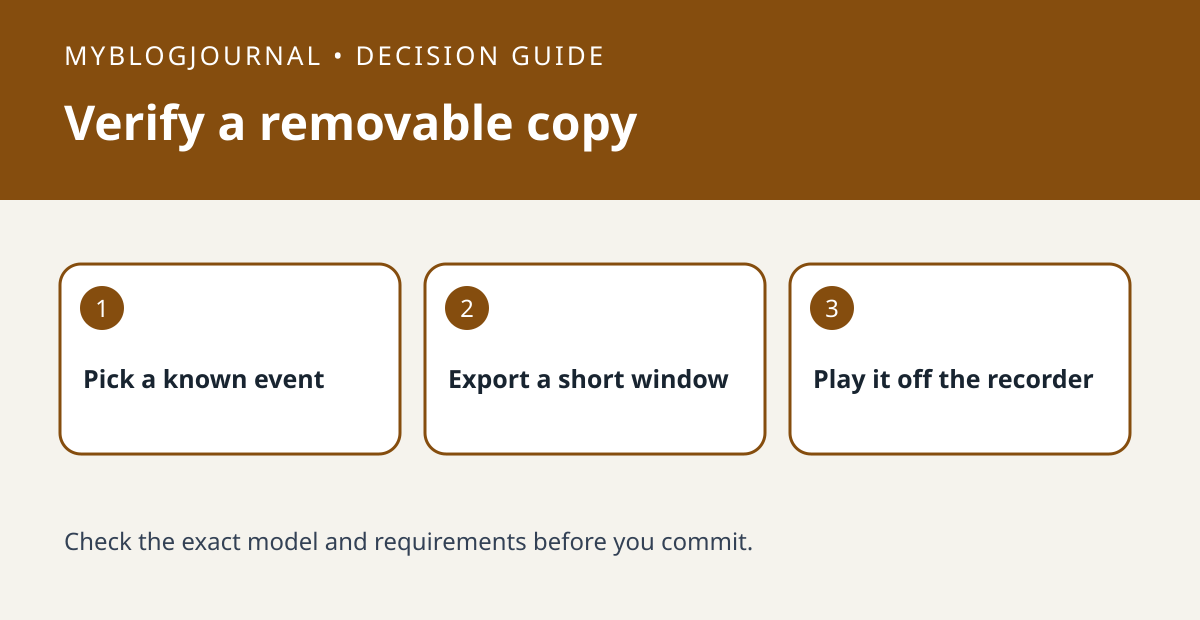
If you need to carry a clip away from a Reolink NVR, verify USB export with a short nonprivate recording before buying a larger drive.
Set up a controlled test
Check whether your recorder uses the interface covered by Reolink’s instructions. Find a known event and write down the channel, date and start time. Use a spare compatible USB drive that does not hold your only copy of anything. Do not format or erase an existing drive as a diagnostic shortcut.
Read the result
Export a narrow window around the event. Open the resulting file on the device where it actually needs to play and check that the important seconds are present. A file appearing on the USB drive is not the same as successful playback.
Worked example
If a ten-minute window is cumbersome but a one-minute export includes everything you need, shorten the selected range before spending on storage. This tests removable export, not expansion of the NVR’s recording capacity.
Documentation and next step
See the manufacturer’s instructions for supported settings. For a related decision, see reolink nvr drive expansion esata vs usb check.


