
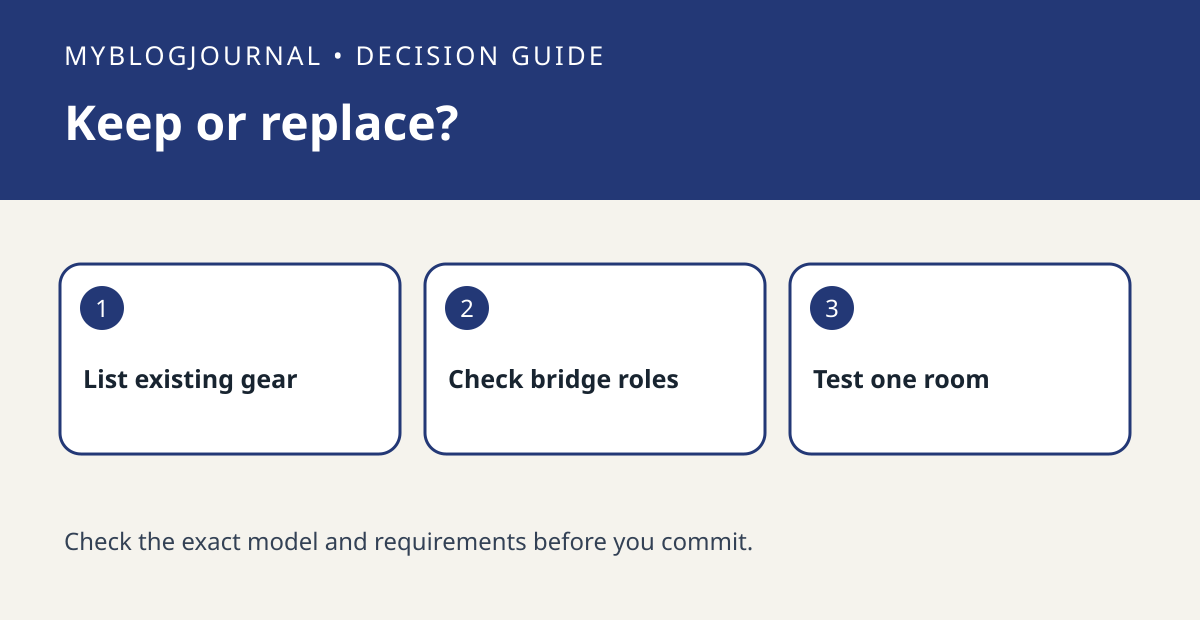
If your current IKEA smart bulbs work and your goal is to bring them into a Matter ecosystem, check whether DIRIGERA can bridge the devices you already own before replacing them. IKEA describes DIRIGERA both as a bridge for older Zigbee devices and as a Matter controller. Those roles solve different problems: sharing existing devices versus adding Matter devices to the IKEA system.
Inventory devices and the controls you actually use
List each bulb, remote and sensor by model and write down one must-keep function. For example, a hallway lamp may only need on/off in your main app, while a bedroom group also needs a bedside button to work. Check IKEA’s guidance for the existing device and the target ecosystem’s documentation for the function. Being able to see a light tile in another app is not evidence that all accessory behaviors come with it.
Price one room before doing the whole house
Make two columns: keep the current devices and add a bridge, or replace only the devices whose required functions are missing. Include a controller or other infrastructure only if the destination ecosystem requires it. If you already have access to a compatible setup, test a single room before migrating the rest. Verify the physical control and the target app separately. Keep any old configuration details until the replacement behavior is confirmed.
Official documentation: manufacturer’s guide. Related: check what can be controlled through a Matter bridge.


