
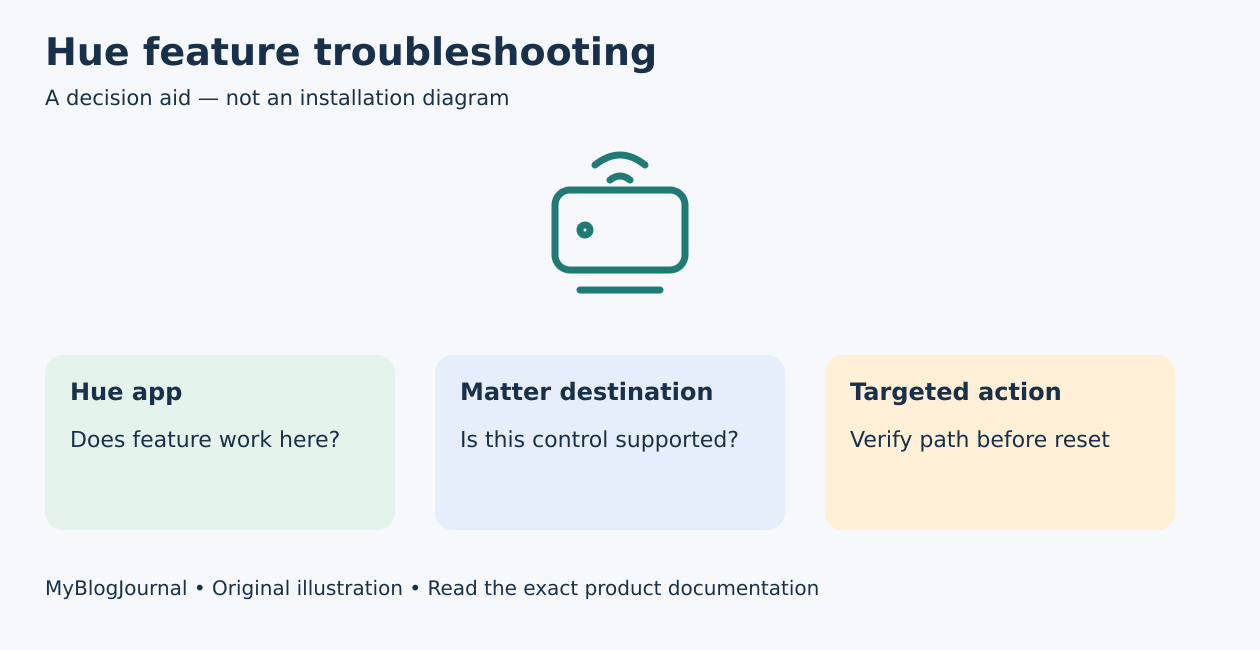
If a Hue light appears in another smart-home app but a special feature is missing, first compare the native Hue app with the destination app. Successful basic control does not prove that every accessory function or lighting feature crosses the integration.
Identify the integration path
Philips Hue’s US Matter page describes both Bridge-based integration and directly connected Matter-enabled bulbs. It also names exceptions: the Play HDMI sync box and the dial on the Tap dial switch do not support Matter. The exact component and connection path matter more than the Hue brand alone.
Write the bulb or accessory model, Bridge generation if present, destination ecosystem, and whether you used Matter or an account-linked integration. Do not assume two tiles with the same friendly name represent the same connection.
Use a two-app feature matrix
| Test | Native Hue app | Destination app |
|---|---|---|
| On/off | Pass / fail / not checked | Pass / fail / not checked |
| Brightness | Pass / fail / not checked | Pass / fail / not checked |
| Desired special feature | Exact behavior | Present, absent, or different |
| Accessory action | Which button or dial? | Which action is exposed? |
This matrix separates a device problem from an integration limit. If basic controls work in both apps but only a special action is absent, capture the supported-feature documentation before resetting anything. If the native app fails too, follow the Hue-specific troubleshooting path rather than assuming Matter is responsible.
Example: a missing dial is not a missing light
Hypothetical: a homeowner sees Hue lights and can dim them from another ecosystem, but expects the Tap dial’s rotation to appear as the same control there. Hue’s published exception means the buyer must verify that specific function, not conclude that a new bridge will necessarily fix it. Preserve working light control while deciding how to operate the accessory.
Avoid creating a duplicate-control problem
Before adding a second integration, check whether the same physical light is already listed through another path. Record names and rooms so a newly added tile can be distinguished from the working one. Keep existing automations intact while investigating; do not delete a working path merely to make the device list shorter.
Platform support and firmware evolve. A vendor’s new device support does not automatically mean every destination ecosystem implements every feature at the same time. Use current documentation for both sides and a real test of the intended action.
Choose the next action from the evidence
If you are still choosing the bulb architecture, use our bulb-and-hub comparison. If the hardware is already connected, keep this feature matrix with the setup record. Documentation reviewed November 5, 2026; no account changes, resets, or hands-on Hue tests were performed for this article.
Featured diagram: original MyBlogJournal decision aid, created for this article. It is not an installation drawing or a product photograph. Links are informational; no affiliate relationship or paid placement is claimed.


