
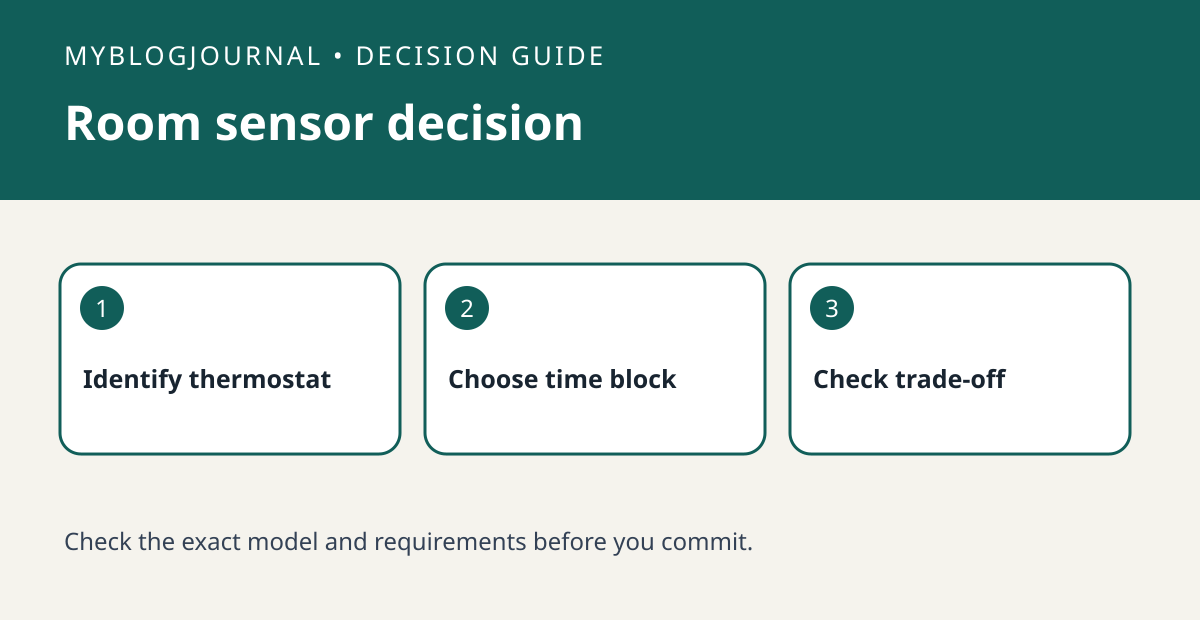
Buy a Nest Temperature Sensor to change which room your compatible thermostat listens to at selected times, not to give that room separate heating or cooling. Google’s compatibility chart is the first gate; the next is whether everyone can live with what happens in the other rooms when the thermostat uses the bedroom reading.
Map one uncomfortable time of day
Write down the room, the time and the symptom for three ordinary days. For example, suppose the hallway feels fine at bedtime but the bedroom is still warm. The job is to prioritize the bedroom at bedtime, not to run the system from that room all afternoon. Check whether your thermostat and app let you select the sensor during the relevant schedule window. Do not buy a second sensor just because a second room feels different.
Choose a sensor location and a check
Confirm the exact thermostat model in Google’s compatibility chart, not just the word Nest on the faceplate. Check that the proposed location can connect to the thermostat, then choose a representative spot away from a supply vent or direct sun. Compare both rooms during the target period after changing the schedule. If prioritizing one room makes another uncomfortable, switching the input may not solve the underlying distribution problem; revisit the schedule before buying more hardware.
Official documentation: manufacturer’s guide. Related: check thermostat and system compatibility.


