
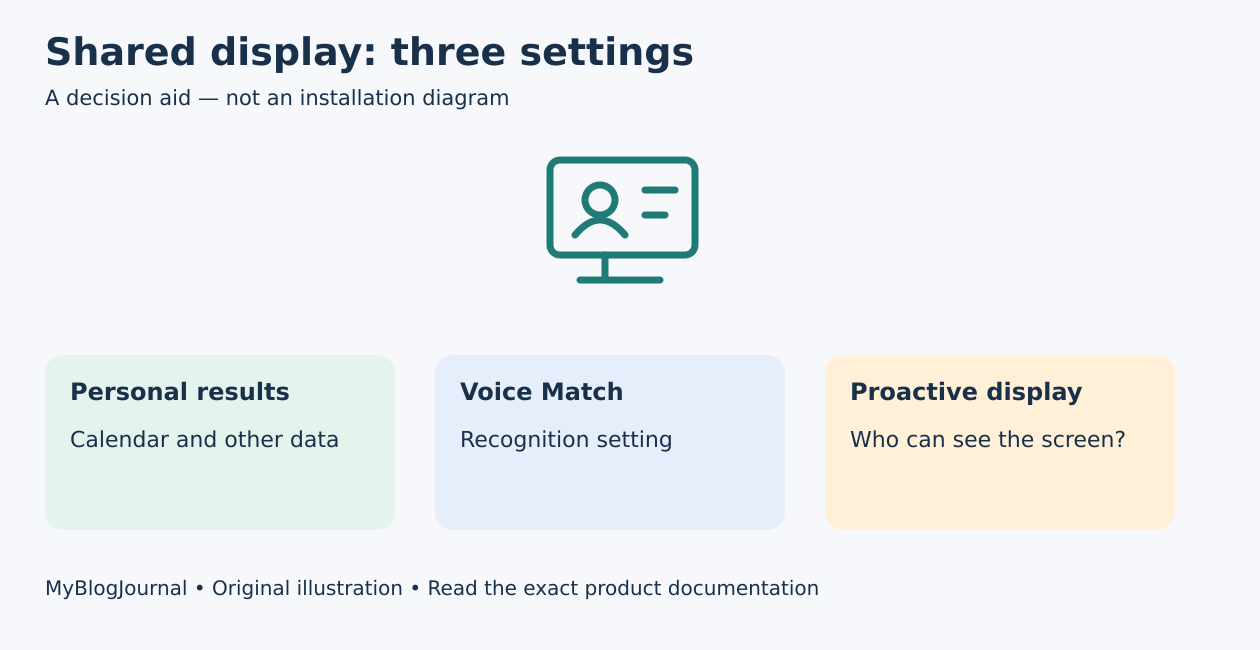
Personal results, Voice Match, and what appears on a smart display are separate settings to review. Do not assume that granting household device access, recognizing a voice, and keeping private information off a shared screen are the same decision.
Google’s personal-results guidance describes results from services such as Gmail, Calendar, and Photos. It also warns that people near a display can see or act on proactively shown results. Decide what is acceptable in the device’s actual location: a kitchen, guest room, and private office have different audiences.
Make a device-by-device review
| Setting | Question to answer |
|---|---|
| Personal results | Should this device provide account-specific information? |
| Voice Match | Which account and voice profile are configured? |
| Proactive results | Should cards appear without a fresh request? |
| Photo display | Which separate ambient/photo settings apply? |
| Household membership | Who has supported device-management access? |
Use your own device’s current Google Home menus. The route can differ between Google Assistant and Gemini for Home versions, language, country, and account type. Google’s current help page places personal-results controls under Home settings and the relevant voice assistant. Check both home-wide and per-device settings.
Voice recognition is not the whole privacy plan
Google’s Voice Match instructions explain account-linked recognition. Turning Voice Match off can turn personal results off; re-enabling personal results without it changes who can obtain those results. Review the resulting settings rather than assuming a single toggle leaves everything else as it was.
A household should also consider information visible after a legitimate user requests it. Keep sensitive details away from shared screens when that visibility is unacceptable. Do not share passwords or sign a personal account into someone else’s phone to make household control easier.
Example: kitchen convenience with a narrower display
Hypothetical: a family wants spoken calendar help but does not want appointments displayed proactively when visitors are present. The owner reviews personal results for that display and the “Never show proactively” option described by Google, then checks the actual screen. That choice does not automatically change an ambient photo album, which requires its own review.
Verify after a change
Write the device, account, setting changed, intended behavior, and what you observed. Use non-sensitive sample requests for the check. If a menu is missing, stop and consult the current account/platform help rather than enabling broad access to make the option appear.
Household management is a different question; see Google Home Admin versus Member access. Official guidance reviewed November 5, 2026. This is a documented settings workflow, not a security test or a guarantee that recognition cannot be mistaken.
Featured diagram: original MyBlogJournal decision aid, created for this article. It is not an installation drawing or a product photograph. Links are informational; no affiliate relationship or paid placement is claimed.


