
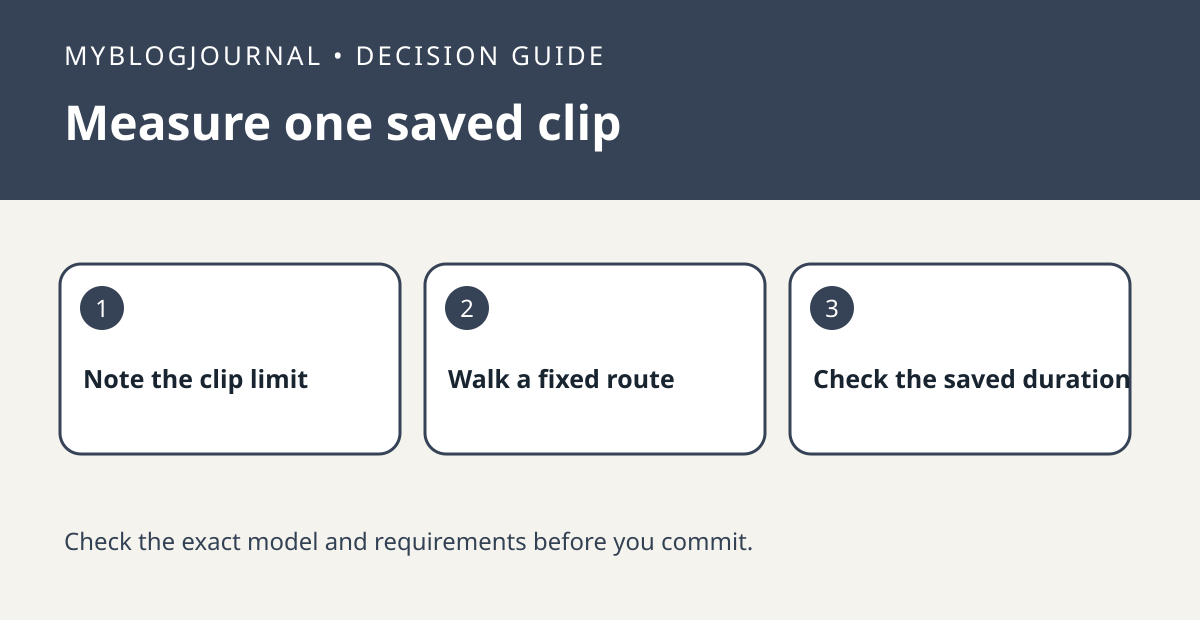
When a single Blink clip ends sooner than expected, compare its saved duration with the clip-length setting and any option to end the clip when motion stops.
Set up a controlled test
Check the controls available for your exact camera in Blink’s Device Settings. Use a nonprivate scene. Walk a short route, pause briefly and then move again. Note the recorded duration and where movement left the camera’s detection area.
Read the result
Repeat the same route with just one relevant clip setting changed. Do not adjust sensitivity or retrigger time in the same trial. Retrigger time addresses the gap between clips; this test is about the end of the first clip.
Worked example
If the first clip ends when you pause but the camera offers an early-ending option, compare that option before paying for another camera. Restore your old setting if the extra footage is not useful.
Documentation and next step
See the manufacturer’s instructions for supported settings. For a related decision, see blink retrigger time test two motion events.


