
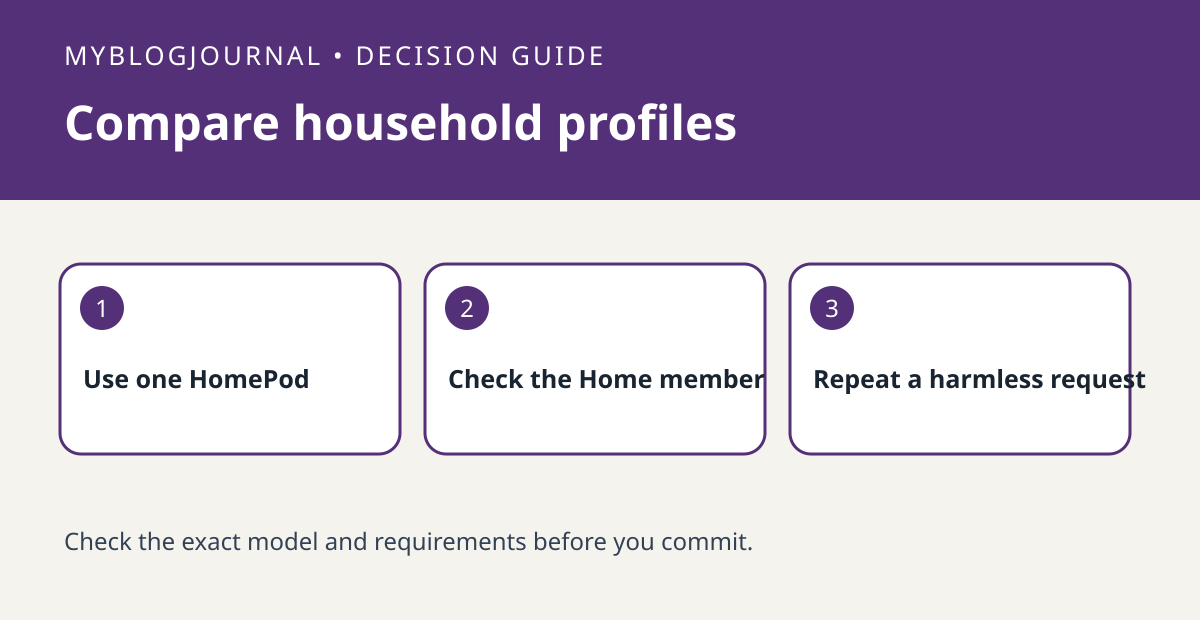
If one person’s voice works on a shared HomePod and another’s does not, check that second person’s setup before replacing the speaker.
Set up a controlled test
Confirm the person accepted the invitation to the right Apple Home and check Apple’s voice recognition requirements on their own device. In the Home app, verify the person’s Recognize My Voice setting and note which HomePod you are testing. Avoid switching accounts on the shared device to diagnose one member.
Read the result
Use a harmless request and ask each consenting person to try it from the same spot. Keep private calendars, messages and contacts out of the test. If ordinary voice commands work for both but personalization differs, review the member’s settings separately from the speaker’s microphone.
Worked example
If a guest can set a timer but a resident cannot get personalized responses, a successful timer does not prove the resident is recognized. Verify enrollment and settings before spending on another speaker.
Documentation and next step
See the manufacturer’s instructions for supported settings. For a related decision, see homepod intercom room vs phone delivery check.


