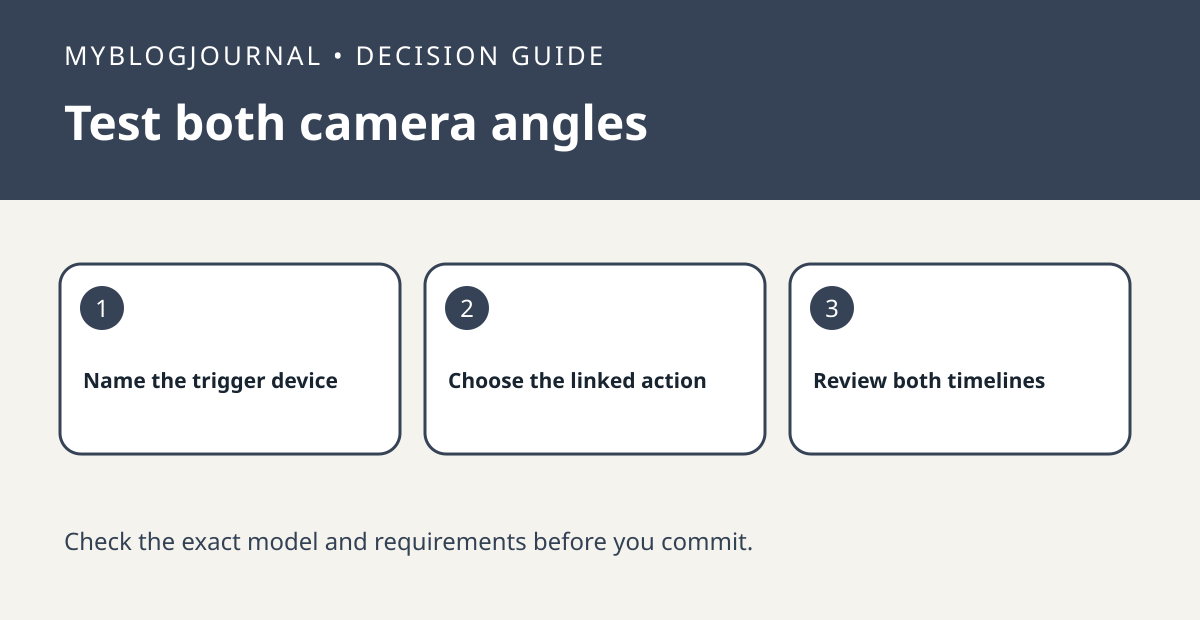
If you want a second angle on an entrance, first check whether an existing compatible Ring device can take the intended action when the first device detects motion.
Write the event as a two-device rule
Ring’s Linked Devices guidance describes supported actions that one device can trigger on another. Identify which device should detect the approach and which should record or perform the supported action. Check current requirements for the exact devices and plan. If both cameras point into the same blind spot, linking them will not create a new angle.
Verify with one consented walk-through
Have someone walk a marked path and compare both timelines around the same time. Note which device triggered and what the other saved. If the second angle works, compare that setup with the cost of a new camera. If the second device responds but the desired area is still invisible, change the position or mounting plan instead.
See the manufacturer’s guidance for current requirements. Related: ring camera mode recording state matrix.