If a Reolink NVR has a saved clip but your phone never alerted, check the notification schedule before replacing the camera or buying more storage.
Start with the event you can already find
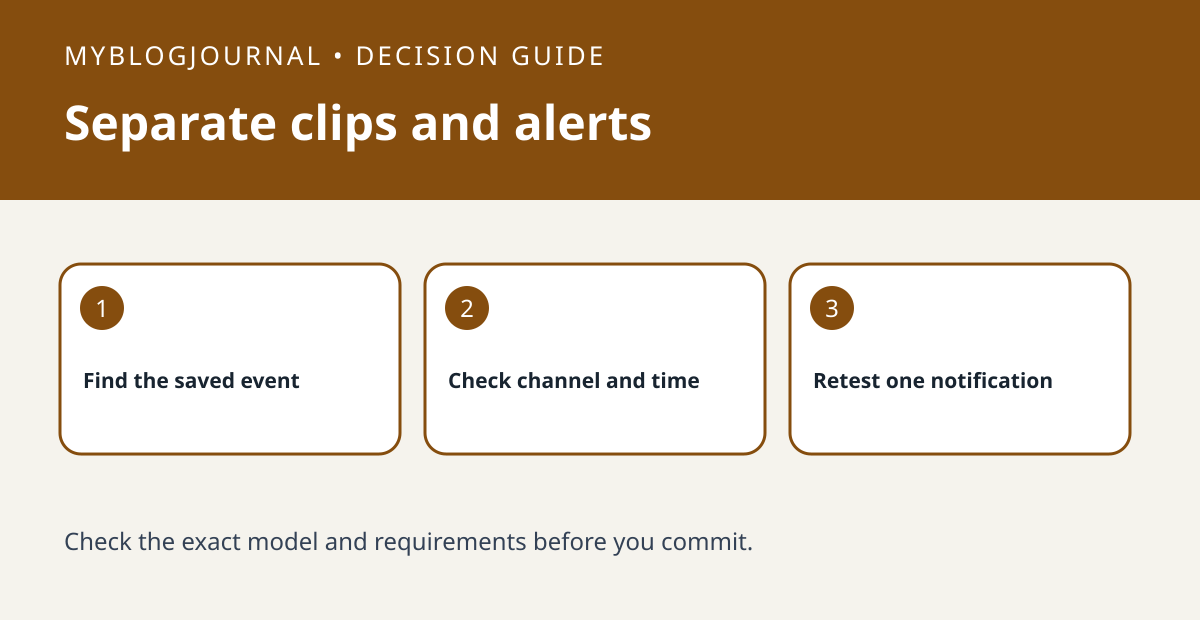
Write down the camera channel, event time and detection type shown in the recorder. Reolink documents separate push, email and buzzer scheduling on supported PoE NVRs with the newer interface. Check the push rule for that channel and time rather than assuming a recording schedule also enables alerts.
Change only the notification path
Pick a short test window and ask a consenting person to cross the view. Check separately for a saved clip and a phone notification. If the clip is present and the schedule allows the event, investigate the phone’s notification permissions next. Do not change how the camera records just to address a phone alert.
See the manufacturer’s guidance for current requirements. Related: reolink pre motion recording approach test.