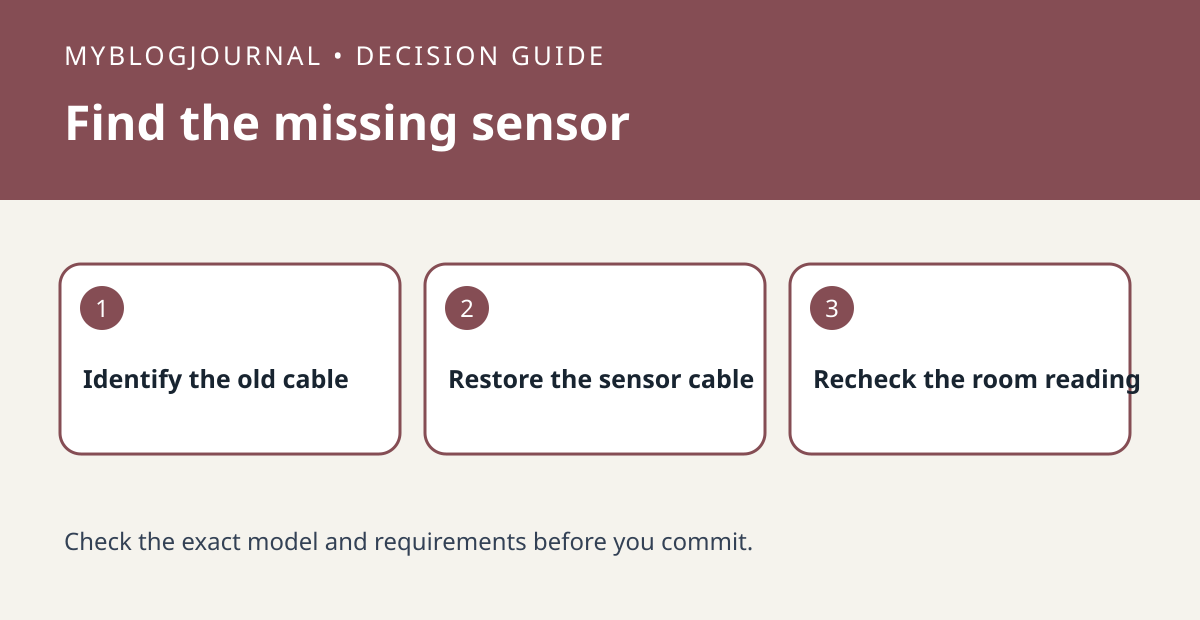
If SwitchBot Hub 2 powers up after a USB cable replacement but stops showing temperature and humidity, check the cable first. SwitchBot puts the temperature and humidity sensor in the supplied cable, not in an ordinary USB-C replacement.
Test the missing readings separately from power
Restore the original sensor-equipped cable if it is undamaged and available. Check whether both readings return on the display and in the app. The fact that a plain cable powers the screen does not mean it can provide those readings. If the original cable is gone, confirm the replacement explicitly includes the Hub 2 sensor rather than paying for a longer generic cable.
Measure to the sensor, not just the hub
Before buying, sketch the distance from outlet to the hub and note where the sensor will sit. For example, a display at eye level is convenient, but a cable sensor hanging beside a heat outlet is poorly placed to represent the room. If the readings return but still disagree with a nearby meter, compare them together away from heat before considering calibration.
See the manufacturer’s documentation for current requirements. Related: switchbot meter reading difference before calibrating.