If your HomePods play Apple TV shows but go silent when you switch to a game console, check the audio return path before replacing anything. Apple TV playback and sound coming back from the television are two different tests.
Check the three devices on the path
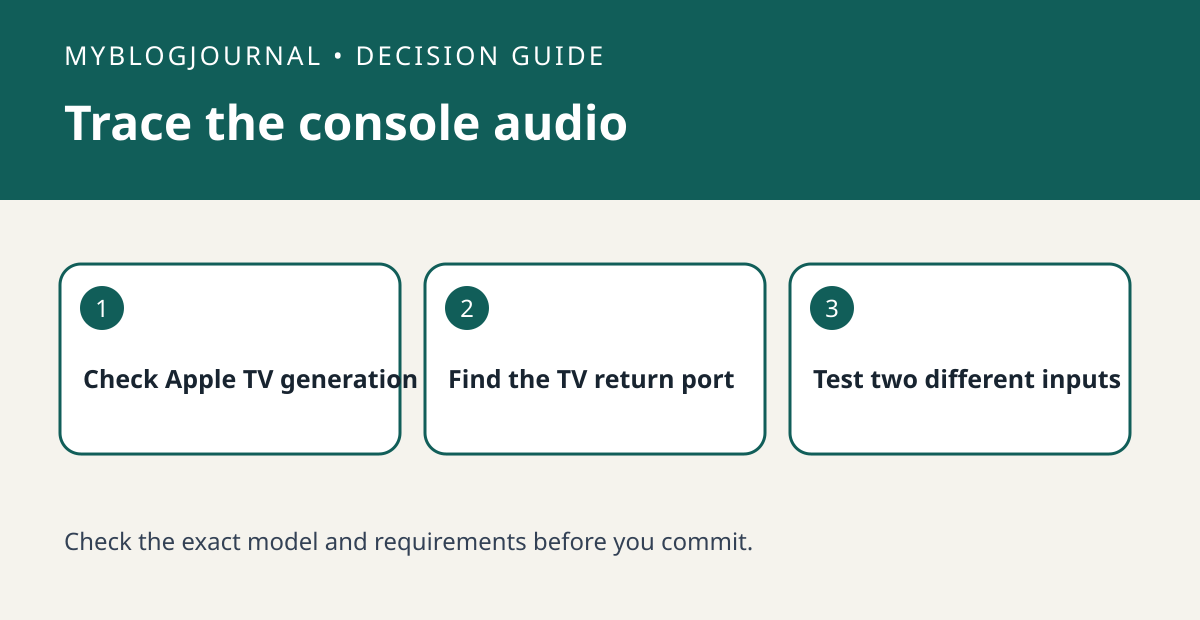
Apple documents audio return for Apple TV 4K second generation or later with HomePod or HomePod mini as default audio output and a compatible television. Write down the Apple TV generation and the label on the TV HDMI port. Connect Apple TV to the return-capable port, leave the console on a different HDMI input and check the TV settings for ARC or eARC and HDMI-CEC as applicable. In Apple TV settings, check Audio Output and enable Play Television Audio under Audio Return Channel.
Test a stream and then the console
Play a short clip from Apple TV first, then select the console input and test sound again. If only the first works, the speakers have passed the default-output test but not the return test. Check the port and TV audio settings before buying another speaker. If both work, also try the TV app you actually use before deciding whether the setup replaces your existing audio equipment.
See the manufacturer’s documentation for current requirements. Related: homepod stereo pair used matching model.