A drive plugged into a Blink module does not tell you how the footage can be viewed. Blink distinguishes direct Local Storage on compatible setups from Clip Backup of cloud videos for applicable subscriptions or trials. Its documentation says backup files on removable media are viewed on a computer, while direct local clips can be viewed in the app on supported setups.
Decide how soon and where you need the clip
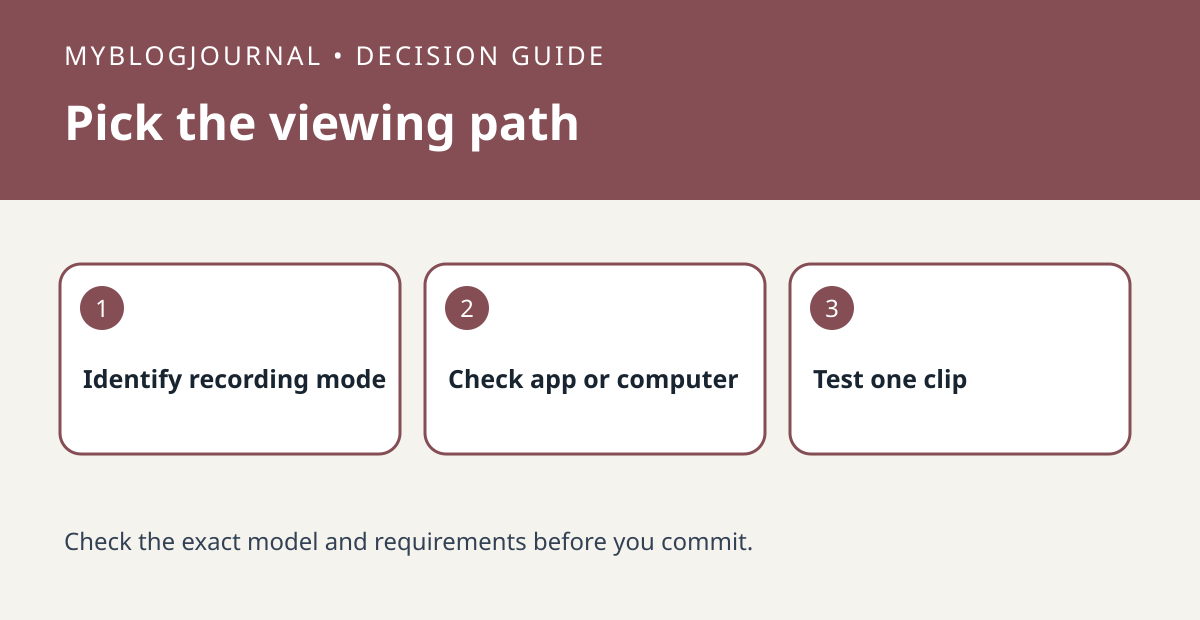
Write the actual request, such as “review the delivery from my phone this afternoon” or “keep a separate copy I can open on my computer.” Check your exact camera, module and plan against that requirement. Blink describes cloud Clip Backup as an automatic daily process, not an instant second copy you should expect immediately after a motion event.
Use a timestamp to avoid checking the wrong source
Create a harmless test event and note when it happened. Identify whether the clip you find is in cloud history, the Local Storage view or the removable backup. If the plan is ending, do not assume those paths behave the same afterward. Check the model-specific rules and verify the new viewing workflow before relying on it.
Source: manufacturer’s current documentation. Related: check Sync Module XR compatibility and range.