
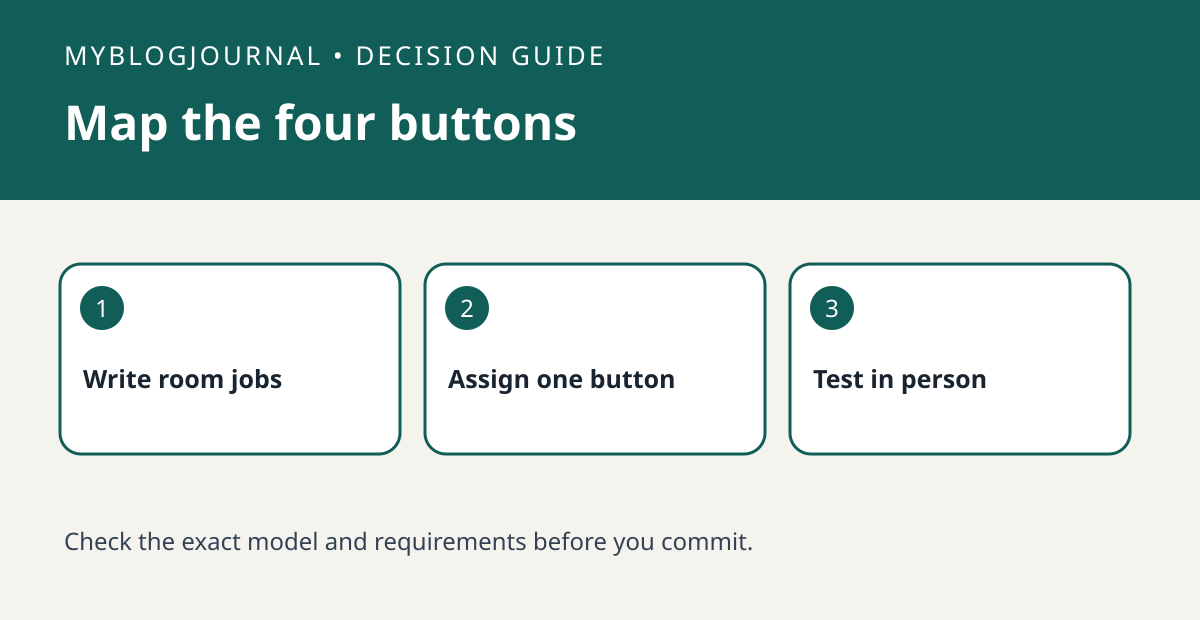
A Hue Tap Dial makes more sense when you can name the jobs you want it to do. Philips Hue describes each individual button as controlling up to three Rooms or a Zone. That is a reason to sketch a button map before buying, not a reason to assume every button will control unrelated third-party devices.
Write labels another person could use
For an open-plan area, try “table,” “kitchen,” “evening,” and “entry” on a card. Mark which are actual Hue Rooms and which groups need a Zone. For the evening button, write the intended change for each affected light so you can distinguish an intentional scene from a light that did not respond. If all four ideas collapse into “dim one room,” compare a simpler remote rather than paying for unused buttons.
Test the overlapping controls
Check the current product requirements for your Hue setup and confirm the dial target separately from the buttons. If an evening group and a kitchen button affect the same bulbs, press them in both orders and see whether the result is understandable. Give the card to someone else and ask them to choose the dining lights without using the app. A control that needs explanation every night may not solve the household problem.
Source: manufacturer’s current documentation. Related: check the simpler Hue Dimmer option.


