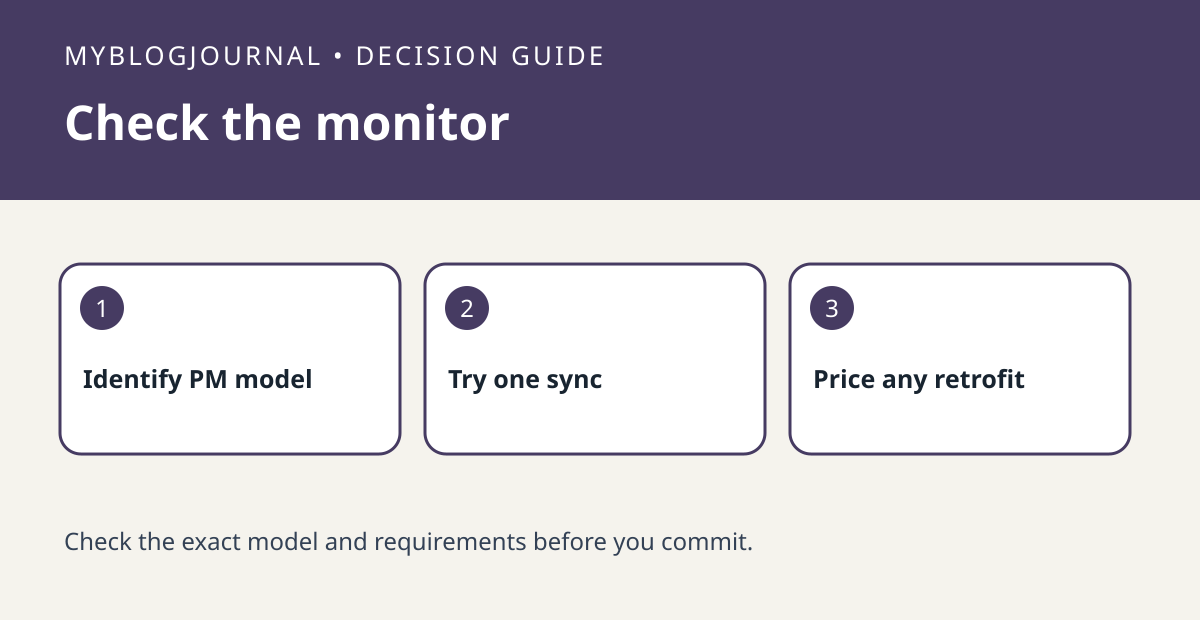
If phone logging is why you want a used Concept2 rower, confirm the monitor before paying. Concept2’s current software page identifies ErgData as connecting to PM5 via Bluetooth. An older monitor can still display workout data, but that is not proof it can pair with the current app. The monitor question is separate from the rower’s floor space and physical condition.
Ask for the monitor model and a short demonstration
Read the monitor label and compare it with the current Concept2 support page. With permission, check whether your intended phone can connect and whether an ordinary short session appears in the app. For example, note a two-minute easy trial’s displayed duration and the duration the app saved. Do not infer successful logging merely from a Bluetooth device name appearing on screen.
Price the machine with the workflow you need
If the PM5 is present but pairing fails, verify the model, firmware and documented update path before treating the monitor as broken. If it is an older monitor, compare using the display as-is with a model-appropriate retrofit only after checking Concept2’s compatibility guidance and actual part cost. This equipment experiment measures whether a session saves reliably, not whether a rower improves fitness.
Source: manufacturer’s current documentation. Related: check the companion setup or buying guide.