
Distinguish the remote from a wired dimmer
This is the Hue wireless Dimmer Switch accessory, not an in-wall device that changes the voltage supplied to a bulb. Philips Hue documents direct pairing to up to ten bulbs without a Bridge. That can be enough when everyone wants a physical button for the same set of lights.
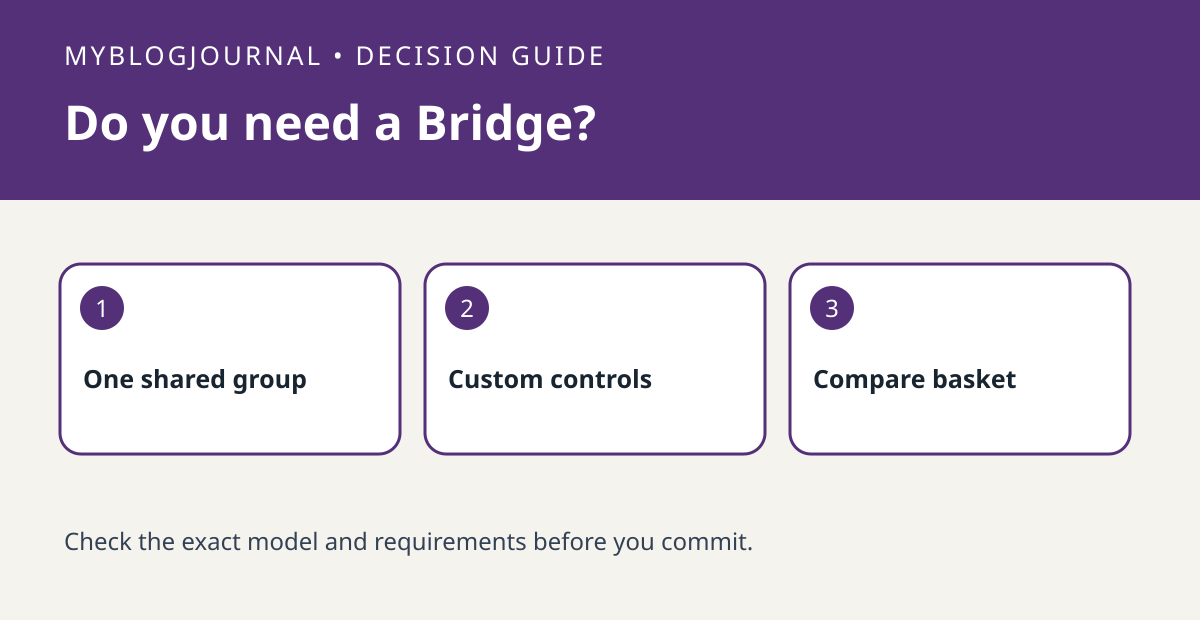
In a bedroom, the required job might be turn both bedside Hue bulbs on, off and dim them together. In a living room, the job might be control a reading lamp independently from the overhead lights. Count jobs and groups, not just bulbs. Philips Hue describes assigning controls to rooms or zones through the app in a Bridge setup; confirm the exact customization your switch supports.
Price a working system
Compare the remote and compatible bulbs with the same basket plus a Bridge. If you already own a compatible Bridge, separate that sunk cost from what you would buy today. Do not replace a working wall control with this accessory or make wiring changes as part of this decision. A smart bulb still needs its normal power supply.
Worked one-room decision
A household with two compatible bulbs and a single shared on/off and dimming job can start by checking the direct-pair route. A household that needs different zones or app-defined button behavior should check that behavior before buying a bridge-free bundle. Test the intended group with one button press; pairing successfully is not the same as controlling the desired lights.
Related: Do Smart Bulbs Need a Hub? Compare Bluetooth, Wi-Fi, Zigbee, and Matter.
Primary documentation checked November 6, 2026: Philips Hue’s dimmer installation guide. The examples are illustrative, not hands-on tests. Links are informational.


