
If you are buying a Kasa HS300 to schedule several devices, count the AC outlets and USB ports separately. TP-Link’s US manual describes six independently controlled AC outlets and always-on USB ports. A light powered from a built-in USB port therefore does not become separately scheduled just because the strip has six smart outlets.
Make a port map before comparing prices
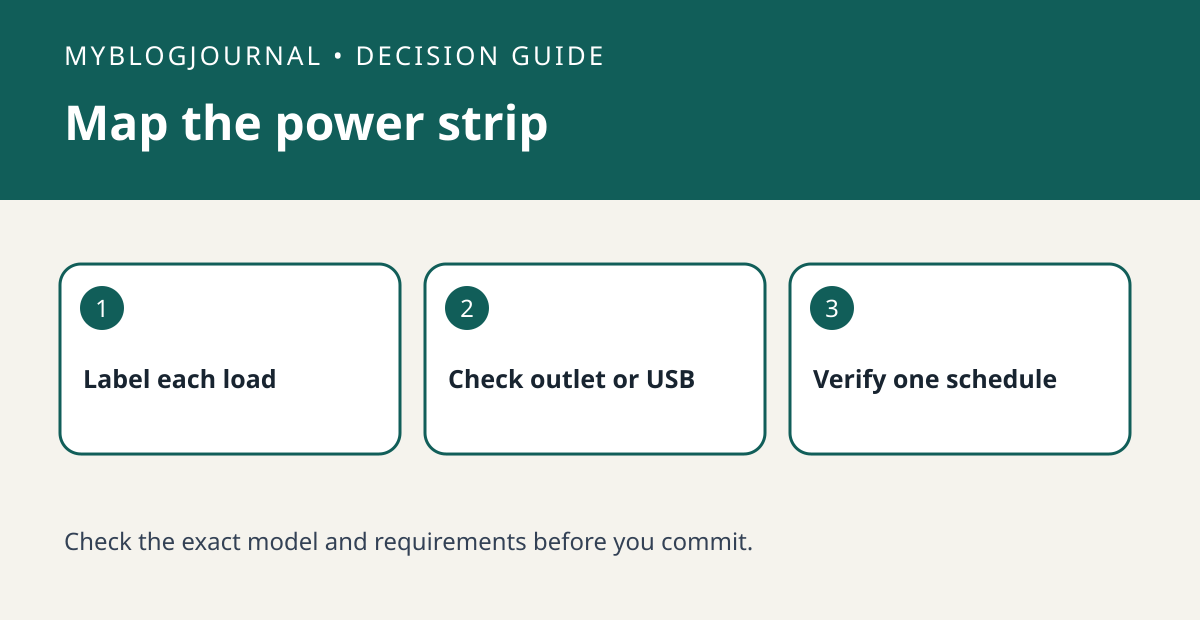
List each device, how it receives power and the exact action you want. For example, put a desk lamp in the “AC, turn off at 10 p.m.” row and a USB charging cable in the “USB, stays powered” row. If a USB-powered accessory must shut off on schedule, evaluate a suitable separately switched AC adapter instead of counting the strip’s USB port as another smart channel. Check adapter width and the strip’s combined electrical rating before committing.
Test the schedule with one harmless load
Name the outlet after what it powers, then test a short schedule on a lamp while you are there. Check both the app state and the actual light. If the outlet changes state but the device does not restart as expected, the accessory’s own power behavior is the separate issue. Do not rely on a trial with a heater or other appliance that should not turn on unattended.
Source: manufacturer’s current documentation. Related: check the companion setup or buying guide.


