If a Garmin wheel-based speed sensor reports unexpected indoor distance, check which device supplies speed and whether the receiving device supports manual wheel circumference. Garmin notes that compatible speed sensors can learn wheel size outdoors, while supported devices may allow a manual value for indoor use. This is a measurement setup check, not a way to convert trainer distance into outdoor performance.
Record the source and circumference before changing settings
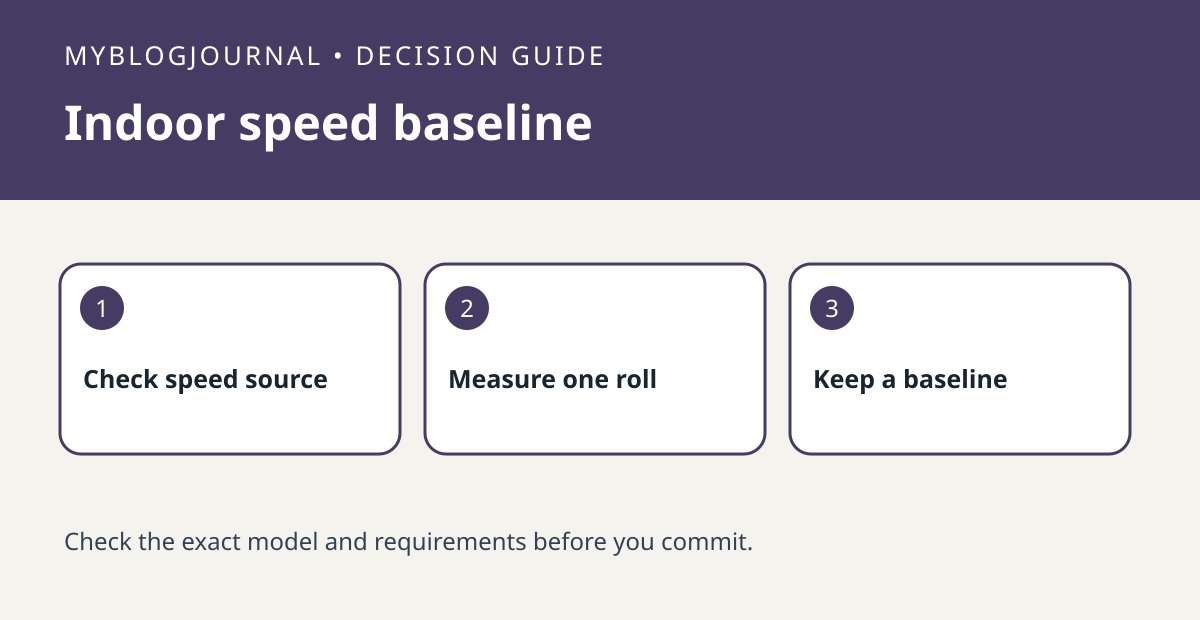
Check whether the receiving device is using the wheel sensor or the trainer’s own speed feed. For a wheel that turns on your indoor setup, measure one full revolution on level ground or use the manufacturer’s wheel-size guidance, and record the value in millimeters. For a hypothetical rollout of 2.10 meters, enter 2,100 mm only if that setting applies to the paired wheel sensor. Do not apply it to a trainer-generated virtual speed feed.
Make a repeatable baseline
Record the source, tire setup and circumference, then try the same short indoor interval twice under similar conditions. Note whether the speed feed stays present and whether the reported distance is consistent enough for your own comparison. If the sensor disconnects, solve that first; adjusting circumference cannot repair missing data. Treat this as an equipment-measurement experiment, not a workout prescription.
Source: manufacturer’s current instructions. Related: check whether the bike fits your trainer.