
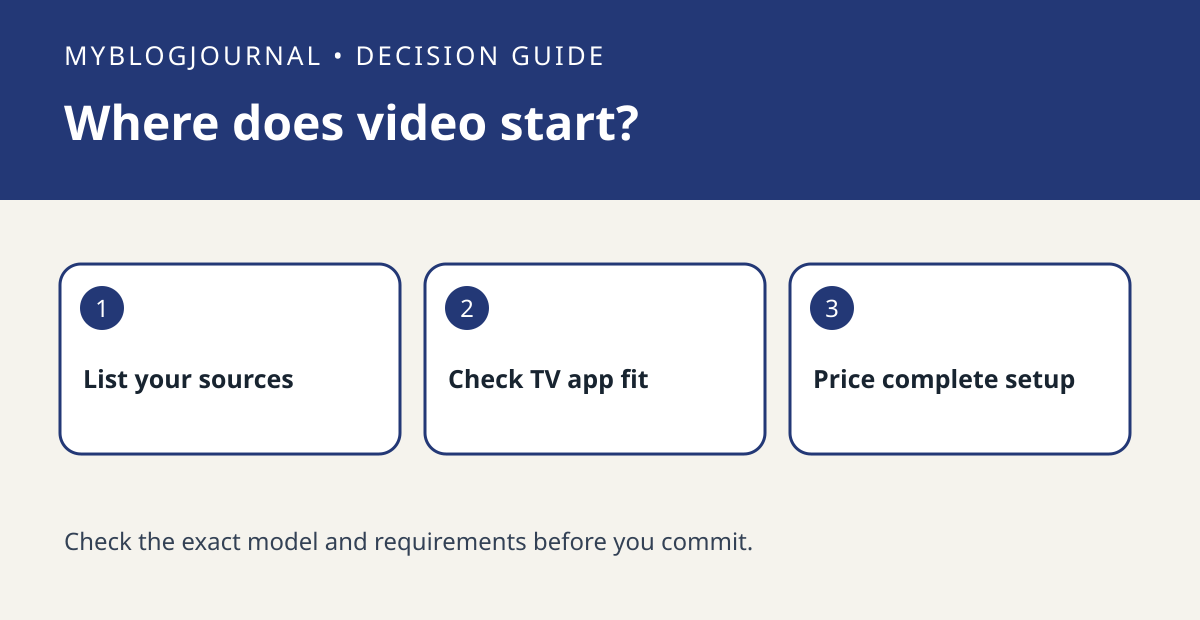
If most of your viewing comes from apps built into your TV, do not buy a Hue HDMI Sync Box expecting it to see those apps. Philips Hue describes the box as an option for external HDMI sources. Its Sync TV app is a separate option on compatible televisions; confirm your exact model and region rather than assuming the app is available.
Make one row per source you actually watch
List the TV’s built-in streaming app, a game console and any external streamer separately. For each, write down whether the signal passes through an external HDMI device and whether the screen or the console is your actual playback source. For example, the same service may have a TV app and an app on an external streamer, but those are different signal paths for a sync box.
Compare the whole setup instead of the box alone
Check the cost of compatible lights, the required Hue Bridge and the sync option, plus any HDMI gear you would have to add or change. If the console is the priority, compare its output features with the exact sync-box version’s specifications. If built-in apps are the priority, verify the TV app listing and its terms first. If neither path meets the requirement, ordinary static bias lighting is a separate choice that does not require video sync.
Source: manufacturer’s current documentation. Related: check the companion setup or buying guide.


